Time cooking is a familiar method of cooking food
You can even program your oven to Microwave
for a predetermined length of time. You will find
Cook by time in two stages! Cook at one power
that cooking with microwave energy
ties
a great
level for a desired length of time; then the oven
ded
less time than regular cooking methods. And
automatically changes to a different power
level
your microwave oven, unlike many other
ovens,
and continues cooking until the food is done.
turns
i@elf
off automatically after the preset time
has elapsed.
Settkg
the Oven Controls
m
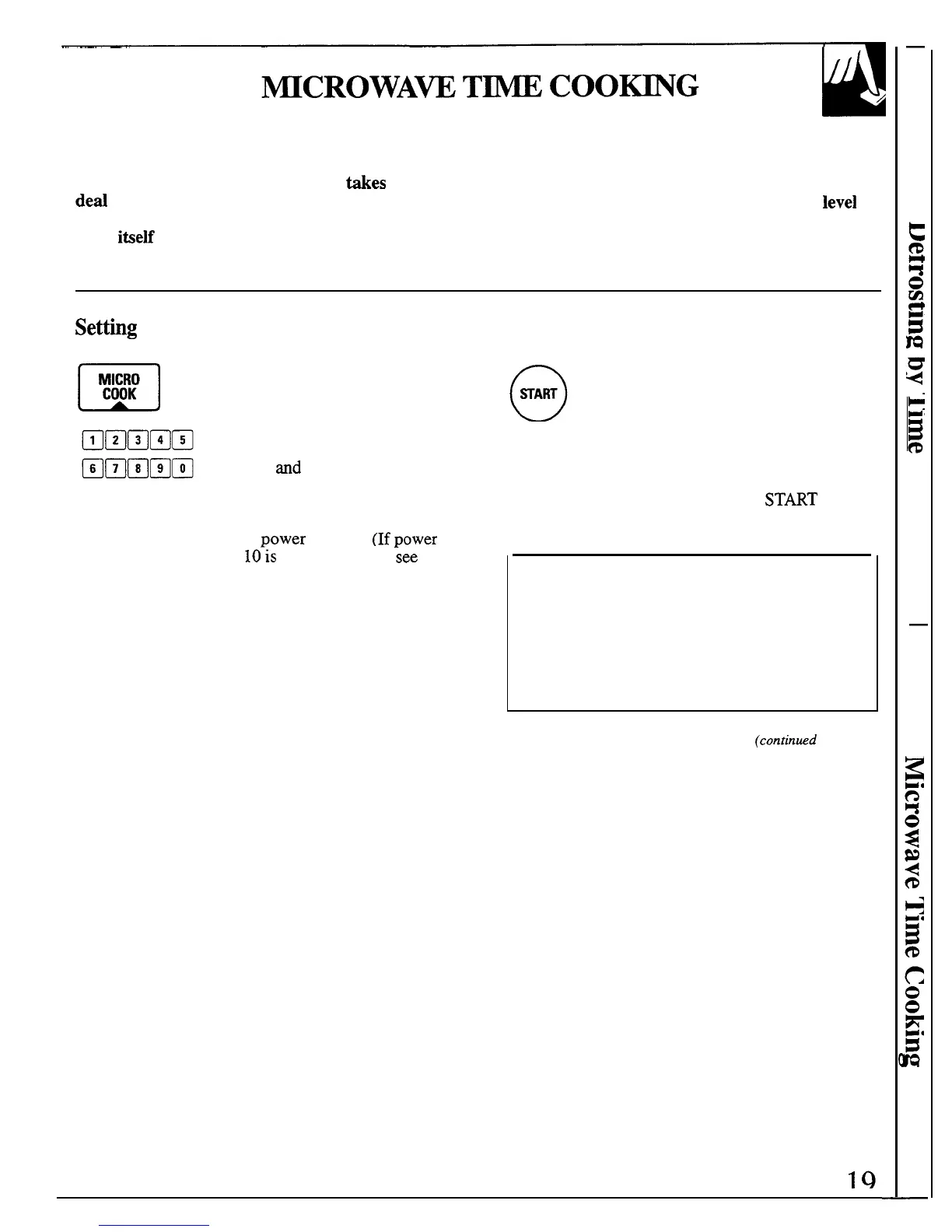
Step 1: Touch Microwave
:::;
MICRO COOK.
Step 2: Enter the cooking time in
minutes and seconds. For example,
touch 1.2
and
O for 1 minute, 20
Step 3: Touch START. When time is up,
the display shows “End,” the oven signals
and shuts off. If, during cooking, you wish
to see what power level is being used, touch
POWER LEVEL pad and the number
appears momentarily.
seconds. When setting 1 hour and
If you interrupt Microwave Time Cook to check the
30 minutes touch 9,0,0, and O.
food, simply close the door and press
ST~T
to
The oven is automatically set to
resume cooking. If there is not time remaining on the
cook at
Dower
level 10. (If power
timer you must reset the timer to resume cooking.
level
10’is
not appropriate,
;ee
“How to Change Power Level”
at right.) Touch the number pad
for the desired power level.
How to Change Power Level
1. Press Microwave MICRO COOK.
2. Select cooking time.
3. Press POWER LEVEL.
4. Select power.
5. Press START.
(continmd
next page)
-—



 To Next Page