I
I
LOWER OVEN
How to Time Bake
in
Your Lower Oven
(continued)
How to Time Bake
Your oven can be set to turn on
and off automatically. However,
foods will continue to cook when
left in the oven because the
temperature is reduced to “hold”
(150°F.).
That’s why you should
not use the Cook Time or Stop
Time feature when timing is
critical unless you’ll be on hand
to take foods out of the oven
when they’re done.
Foods that are highly perishable,
such as milk, eggs, fish, stuffings,
poultry and pork, should not be
allowed to sit out for more than one
hour before or after cooking. Room
temperature promotes the growth
of harmful bacteria.
NOTE: Be sure that oven light is
off because heat from the bulb will
speed harmful bacteria growth.
To Set Immediate Start
Follow these steps for the oven to
start immediately. When cooking
time is up, the oven holds at
150°F.
for 90 minutes.
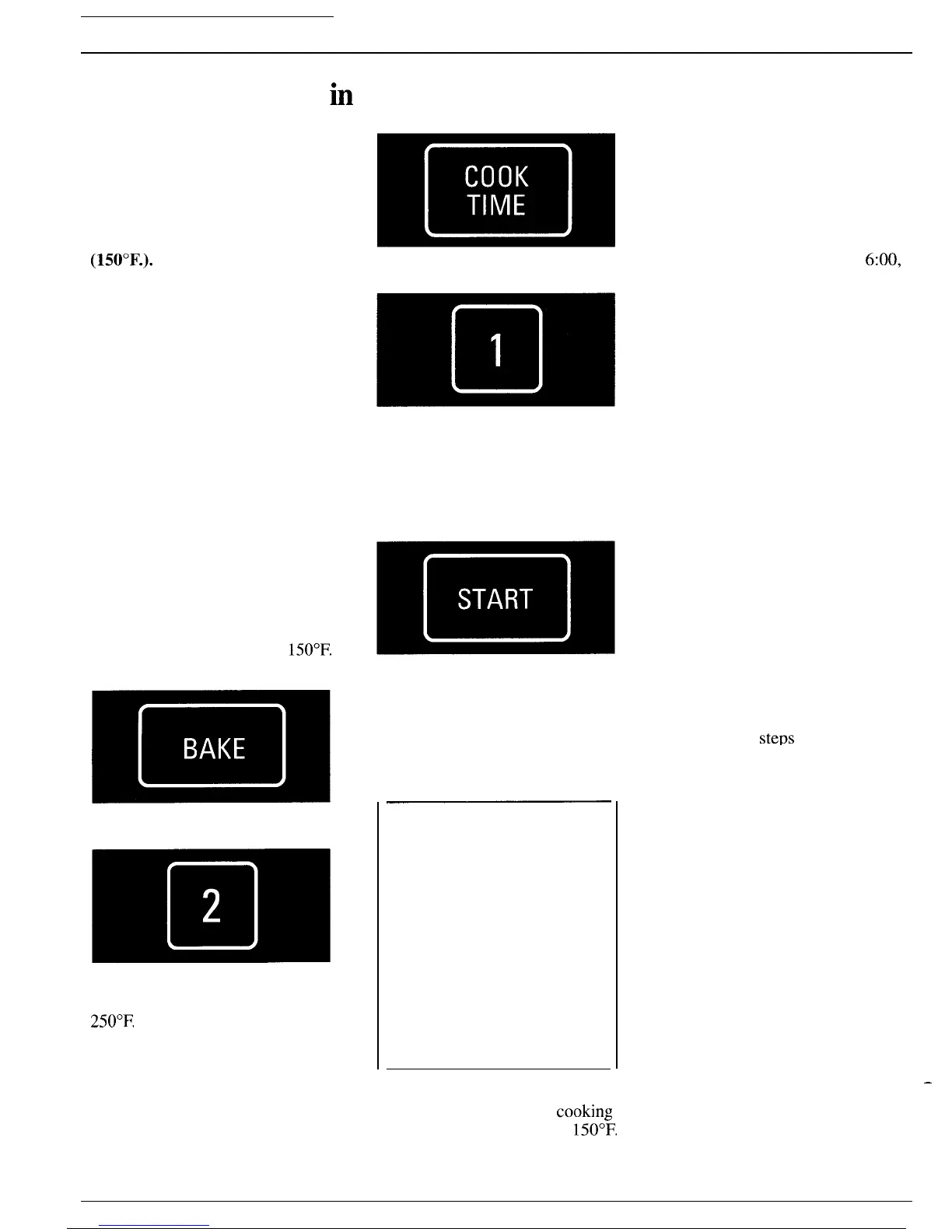
Step 1: Touch BAKE pad.
Step 2:
Touch number pads to enter
oven temperature. For example, for
250°F.
touch 2,5 and O.
Step 3: Touch COOK TIME pad.
Step 4: Touch number pads to
enter baking time. Set hours and
minutes only—any time up to 11
hours and 59 minutes. For
example, to enter 1 hour and 30
minutes, touch 1, 3 and O.
Step 5:
Touch START pad. Oven
begins cooking. Display shows the
time of day, Cook Time counting
down and oven set temperature.
To Set Delay Start
Quick Reminder:
1.
Touch BAKE pad.
2. Touch number pads to enter
baking temperature.
3. Touch COOK TIME pad.
4. Touch number pads to enter
cooking time.
5. Touch STOP TIME pad.
6. Touch number pads to enter
Stop Time.
7. Touch START pad.
Follow these steps for the oven to
start at a later time. When
cooking
time is up, the oven holds at
150°~.
for 90 minutes.
36
Do steps 1, 2, 3 and 4 as shown for
Immediate Start. Then:
Step 5: Touch STOP TIME pad.
Step 6: Touch number pads to
enter the time of day you want the
oven to reduce temperature to
“hold.” For example, to enter
6:00,
touch pads 6, 0 and O.
Step 7: Touch START pad. Oven
calculates correct starting time and
turns on at that time. The Start
Time appears in the lower left
display, and the Stop Time appears
in the lower right display.
If you entered an impossible
Stop Time and Cook Time
combination, such as one that
would require a start time earlier
than the current time of day, then
“Err,” “START TIME” and “STOP
TIME” flash on display. To
correct, touch COOK TIME pad
and enter the right cook time.
If Cook Time is correct, then touch
STOP TIME pad and enter Stop
Time.
You may enter Stop Time before
Cook Time after completing Steps
1 and 2. Oven still calculates “turn
on” time correctly.
Entering Stop Time instead of
Cook Time in
steps
3 and 4 will
start the oven immediately and
turn it down to “hold” at the Stop
Time you enter.
—



 To Next Page