– 15 –
Fault Codes (F-codes)
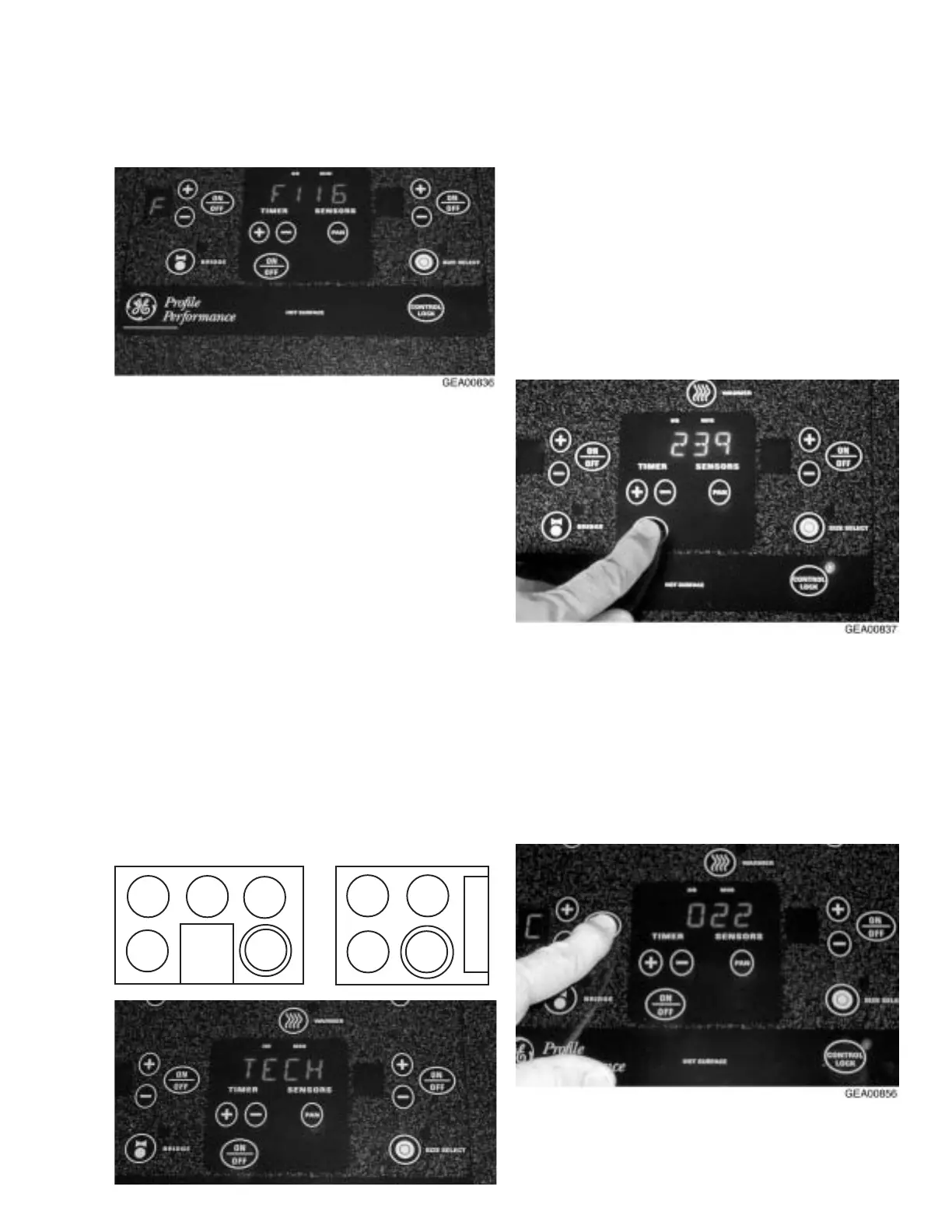
When a fault code (F-code) occurs, an alarm will
sound for 1 minute, the F-code will flash in the
timer display, and F will flash in the display in the
window of the failed surface element until acknowl-
edged by touching the CONTROL LOCK key. The
displays are then cleared. If the fault still exists, or
if it recurrs when the user tries to activate a sur-
face element, the F-code will redisplay.
Only the severest F-codes are immediately dis-
played. Less severe F-codes are recorded, then
displayed based on the number of repeated occur-
rences.
The Technician Mode allows the last 9 F-codes to
be recalled from the register and displayed on the
timer display. The most recent F-code is displayed
first (as #1). Pressing the TIMER (+) and TIMER
(-) keys will scroll up and down the last 9 recorded
F-codes.
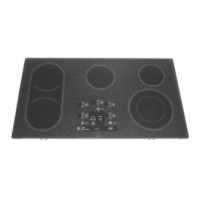
The cooktop has multiple sensors, one for each
surface element. Some F-codes include a sensor
number associated with a surface element. The
illustration below shows the sensor/surface ele-
ment number for both cooktop configurations.
To clear the F-code register, enter Technician
Mode. While the timer display flashes TECH
MODE, simultaneously press the BRIDGE and
WARMER keys. The timer display will display
DONE and the F-codes will be permanently
deleted from the register.
Note: A complete fault codes table can be found
at the end of this section.
Line-In Voltage Check
To check the line-in voltage, press the timer ON/
OFF key while in Technician Mode. Line-in voltage
will appear in the timer display.
Temperature Check (in Celsius)
To check the temperature of a specific surface
element, press that element’s ON/OFF key while
in Technician Mode. C will display in the window of
the specific surface element and the temperature
will appear in the timer display.
1
2
5
34
5
4
2
1


 To Next Page