www.GEApptianees.com
_i_ _ _ _ _ _ _
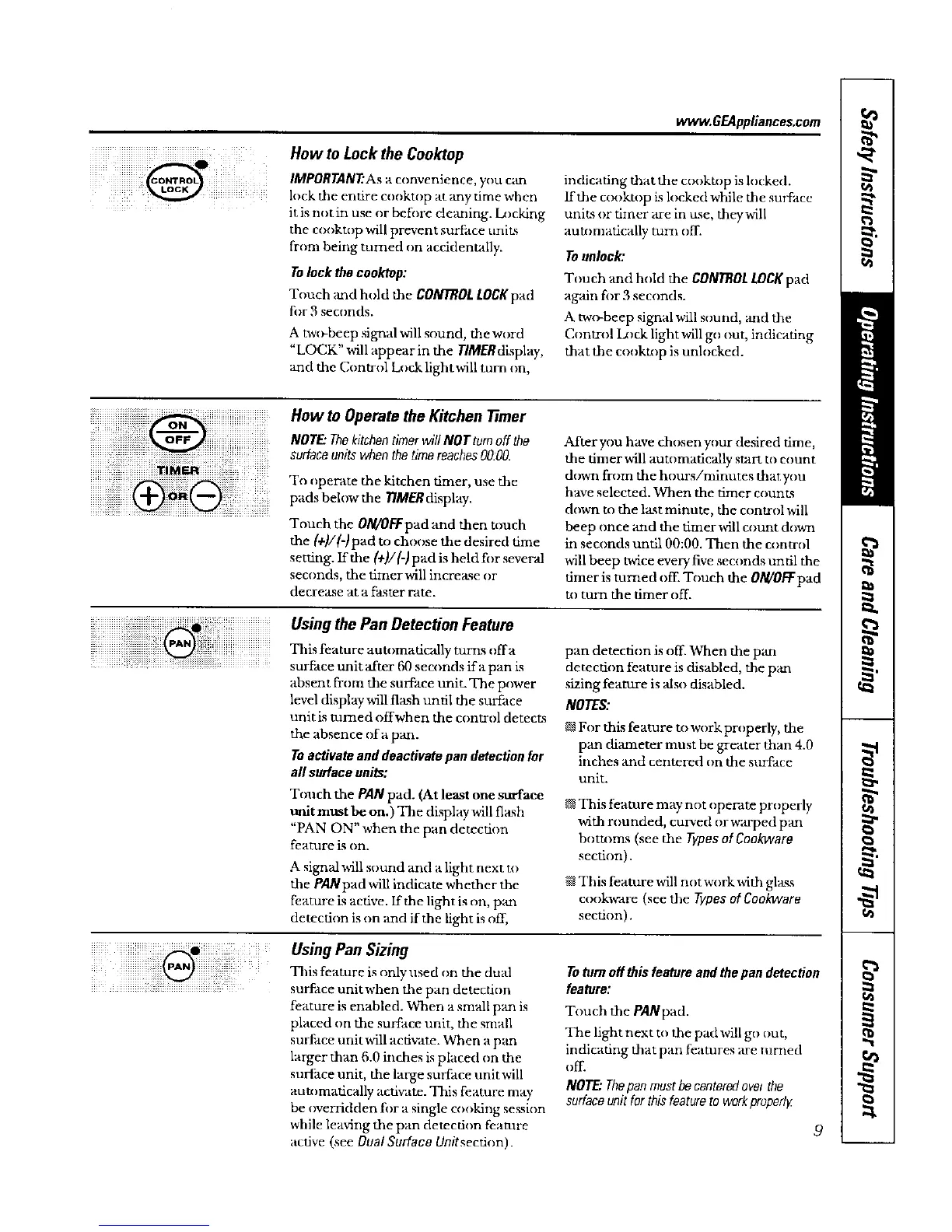
How to Lock the Cnoktop
IMPORTANT'Asa convenience, you cam
lock the entire cooktup at _my time when
it is not in use or betore deaning. Iamking
the cooktop will prevent surface units
from being turned on accidentally.
Tolock thecooktop:
Touch and hold the CONTROLLOCKpad
for 3 seconds.
A twc_beep signal will sound, the word
"LOCK" will appear in the TIMERdisplay,
and the Control Lock lightwill turn on,
indicating that the cooktop is locked.
ffthe cookmp is locked while the surface
units or timer are in use, they will
autumatcally turn off.
Tounlock:
Touch and hold the CONTROLLOCKpad
again fi_r 3 seconds.
A two-beep signal will sound, and the
Control D)ck light will go out, indicatng
that the cookmp is unlocked.
o_
9
i i Q i ( o0.
NOTE."Thekitchentimerwill NOTtum off the
Surface units when the time reaches 00.00.
To operate the kitchen timer, use the
pads below the 77MERdisplay.
Touch the 0/W0k'Tpad and then touch
the (+)/(-)pad to choose the desired time
setting. If the (+)/(-) pad is held for several
seconds, the fimerwill increase or
decrease at a faster rate.
After you have chosen your desired time,
the timer will automatically start tu count
down from the hours/minutes thatyou
have selected. When the timer count.s
down to the last minute, the control will
beep once and the dmer will count down
in seconds until 00:00. Then the control
will beep twice every five seconds until the
timer is turned off. Touch the 0N/0/T pad
tu turn the timer off.
UsingthePanOetectionFeature
iil iiiiiiiiiiiii¸ ¸ i!!iiiiiiiiiiThis atureaut,,maticallytu ,, .
................ surface refit after 60 seconds ira pan is
absent from the surface unit. The power
level display will flash until the surface
unit is turned offwhen the control detects
the absence of a pan.
Toactivate anddeactivatepan detectionfor
all surface units:
Touch the PAN pad. (At least one surface
unit must be on.) The display will flxsh
"PAN ON" when the pan detection
feature is on.
A signal will sound and a light next at
the PANpad will indicate whether the
feature is active. If the light is on, paaa
detection is on and if the light is off,
pan detection is off When the pan
detection feature is disabled, the pan
sizing feature is also disabled.
NOTES:
For this feature to work properly, the
pan diameter must be greater than 4.0
inches and centered on the surface
unit.
This feature may not operate properly
with rounded, curved or warped pan
bottums (see the Typesof Cookware
secton),
@This feature will nat work with glass
cookvrare (see the Typesof Cookware
section).
Using Pan Sizing
This feature is only used on the dual
surface unitwhen the pan detecton
feature is enabled. When a small pan is
placed on the surface unit, the small
surf, tce unit win activate. When a pan
larger than 6.0 inches is placed on the
surface unit, the large surface unit will
automatically acfi'aate. This feature may
be ovmsdden for a single cooking session
while leaving the pan detection feature
active (see Dual Surface Unitsection).
Totom offthis feature and thepan detection
feature:
Touch the PANpad.
The light next to the pad will go out,
indicating that pan features are turned
off.
NOTE"Thepan mustbecenteredover the
surfaceunitfor thisfeatureto workproperly


 To Next Page
 Loading...