Cooking Guide for Using Heat Settings
wwvz GEAppliances_com
High (H) - Quick start for cooking;
bring water to a boil.
Medium High (7-9) - Fast fly, pan
broil; maintains a fast boil on large
amounts of food.
Medium (4-6) - Saut_ and brown;
maintains a slow boil on large amounts
of food.
Medium Low (2-3) - Cook after
starting at high; cooks with little water
in covered pan.
Low (1) - Steam rice, cereal; maintains
serving temperature of most foods.
Slow cooking and simmering.
Lowest (L) - Keeps fired warm, melts
chocolate and butter.
At high or medium high settings,
never leave food unattended.
Believers cause smoking; greasy
spillovers may catch on fire.
It is s_ffe to place hot cookware
from the oven or surface units on the
glass-ceramic surface when it is cool.
Neverplace cookware onthecontrol
area.
NOT£"Cooktoptemperaturesincreasewith the
numberofsurfaceunitsthatam on. With3 or
mereunitsturnedon,surfacetemperaturesare
highsobe carefulwhentouchingtheeooktop.
Thehot surfaceindicatorlight(s)will remainlit
after thesurfaceunitis eft until thesurfacehas
cooledbelow 150°fi
Fault Code
If an error occurs in the control
operation, a fault code will flash
and the conrail will signal.
Tocorrect:
[] Touch the CONTROLLOCKpad to
reset the control.
[_] Attempt to set the control to the
desired cooking setting.
[] ffthe error is not cleared, allow the
cooktop to cool completely.
[] After cooling, touch the COhlTROL
LOCKpad again to reset the control.
Again attempt to set the control to
the desired cooking setting.
[] ffthe error is still not cleared, mm
offthe cooktop power at the circuit
breaker or fuse box for one minute.
[] ff the error reappears, call for service.
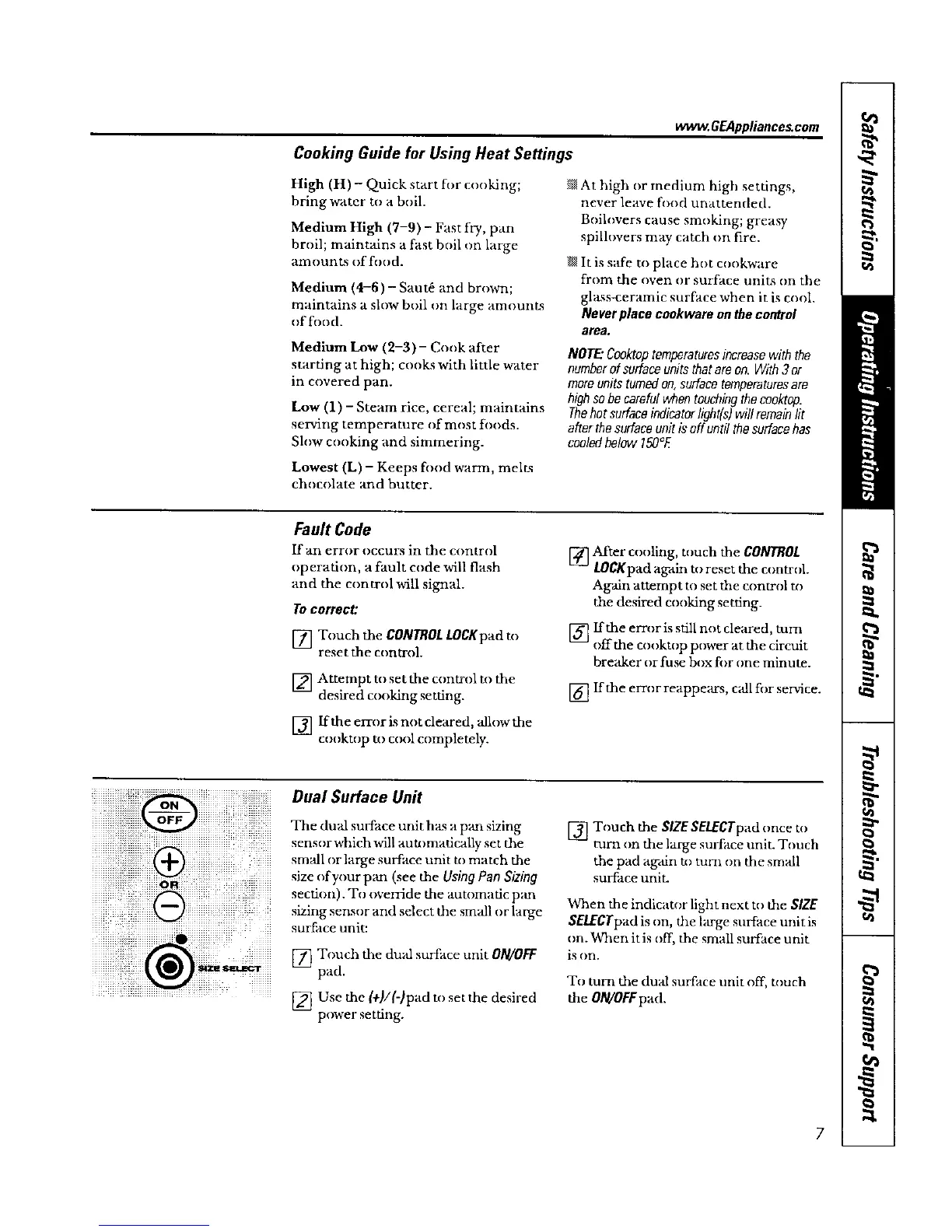
Dual Surface Unit
The dun surface unit ha_sa pan sizing
sensor which will auU)madcally set the
small or large surt_ace unit to match the
size of your pan (see the Using Pan Sizing
section). To override the automatic p_m
sizing sensor and select the small or large
surface unit:
[] Touch the dual surt:ace unit O/V/OFF
pad.
............................................. [] Use the (+!/(-)pad to set the desired
power setting.
[] Touch the SIZE SEI.£CTpad once to
turn on the large surtZace unit. Touch
the pad again m turn on the small
surlZace unit.
When the indicator light next to the SIZE
SELECTpad is on, the large surface unitis
on. When it is off, the small surface unit
is on.
To tum the dual surface unit off, touch
the OIWOFFpad.



 To Next Page