Scene: Scenes are normally
activity based lighting schemes.
A Scene lets you establish preset
brightness levels for multiple
Z-Wave controlled lights and
then control them with one
command. This is ideal for mood
or task lighting. Scene 1 could
be the family room lights set to
dim for watching TV. Scene 2
could have the same lights set
to a different brightness level for
other activities like reading or
entertaining.
Include /Exclude: Include
and exclude are the formal
terms used to describe adding,
removing or deleting devices to
or from the control network or
Groups and Scenes.
Replicate: This is the Z-Wave
term for copying or transferring
the Z-Wave network data to a
new controller. This process is
also used to update secondary
controllers after changes have
been made to the control
network with the primary
controller.
BATTERIES
Two CR2032 batteries are
pre-installed in the unit. Be sure
to Remove the insulating tabs
before trying to program and use
the device.
Battery Use and Safety
- Use only fresh batteries of the
required size and
recommended type.
- Replace both batteries at the
same time! Do not mix old and
new batteries or different types
of batteries.
- Dispose of old batteries
promptly and properly. Do not
burn or bury them.
- Replace fully discharged
batteries immediately
- Remove batteries if the product
is to be unused for extended
period of time.
To Install Batteries:
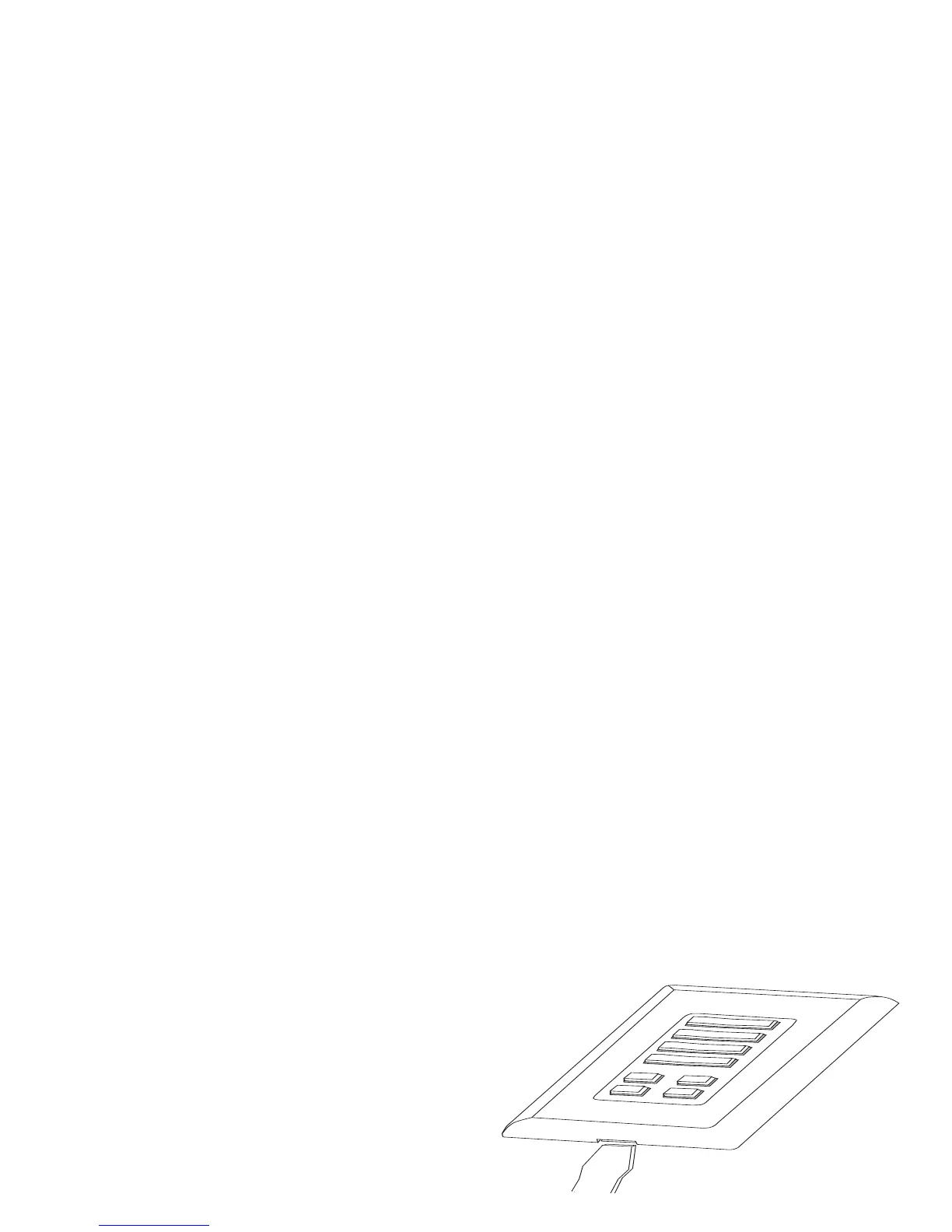
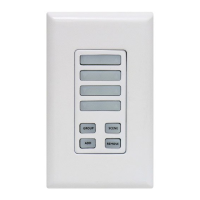
1. Insert a flat-blade screwdriver
into the small slot at the
bottom of the faceplate and
twist gently to remove the
faceplate from the device.


 To Next Page