15
Using Your Remote, cont.
Setting any Mode to use its own Volume/
Mute Control
This routine can set any Mode to use only its own
Volume/Mute control. Note - If your chosen Mode
has no Volume/Mute functions of its own then the
Volume/Mute buttons will do nothing.
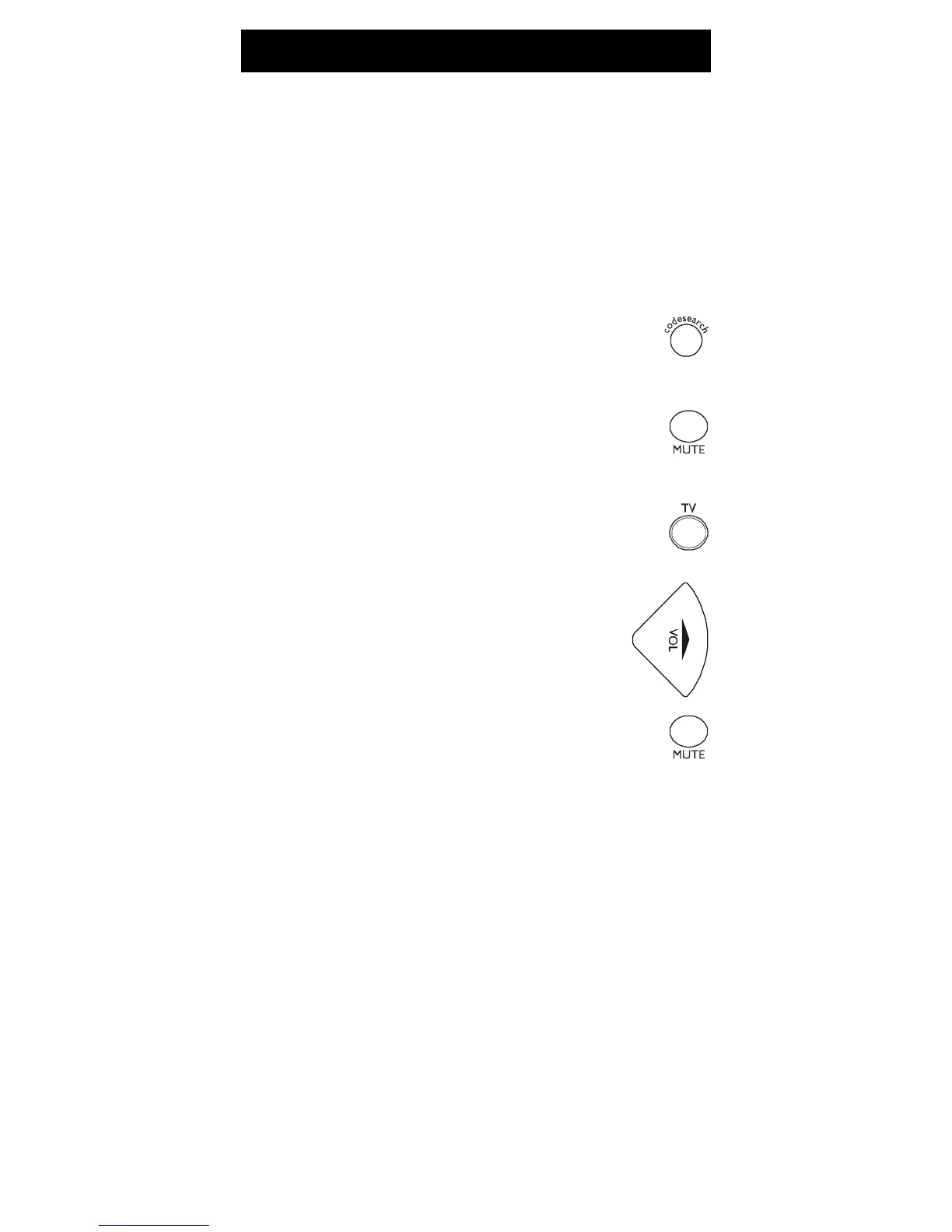
1. Press and hold the CODE SEARCH
button until the red indicator turns on,
then release the button.
2. Press and hold the MUTE button until
the red indicator blinks off, then release
the button.
3. Press and release the desired Mode
button (TV, VCR, etc.), the red indicator
blinks then stays on.
4. Press and release the VOLUME- (Down)
button, the red indicator blinks then
stays on.
5. Press and release the MUTE button and
the red indicator turns off.
Your chosen Mode will now use its own
Volume/Mute control.



 To Next Page