8
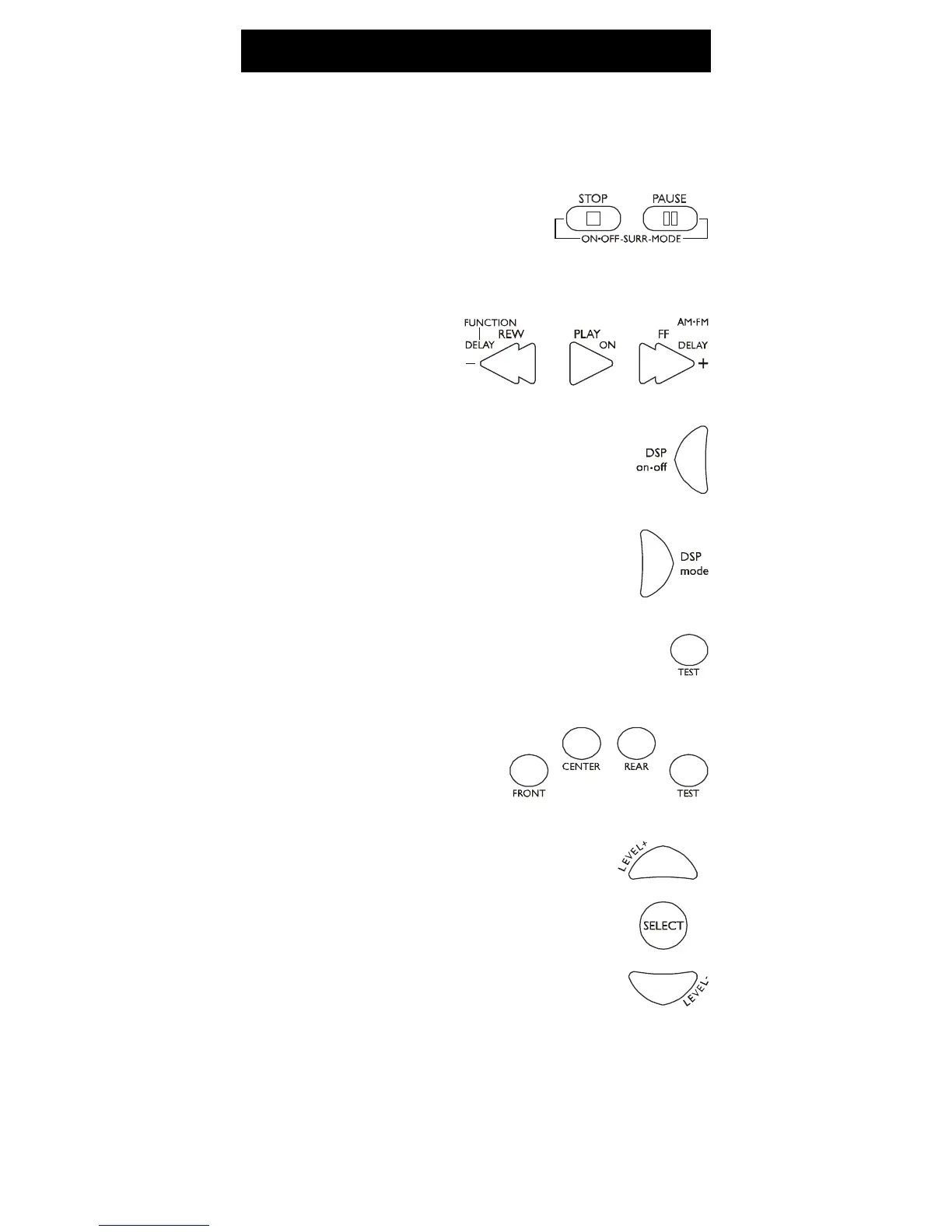
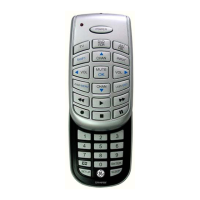
The surround sound feature may be turned ON/OFF
by pressing the SURR ON•OFF button.
Surround Sound Feature
1. Press the SURR MODE button until
the desired mode is found.
2. Press DELAY+ or DELAY- to achieve the desired
delay affect.
3. Press the DSP ON•OFF button to turn
DSP (Digital Sound Processor) ON or
OFF.
4. Press the DSP mode button until the desired
effect is achieved.
5. Press the TEST button to listen to speaker
levels.
6. Press FRONT, CENTER, or REAR buttons to
speaker levels.
select speakers.
7. Press the LEVEL+ or
LEVEL- buttons to adjust



 To Next Page