1
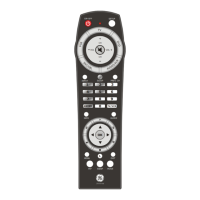
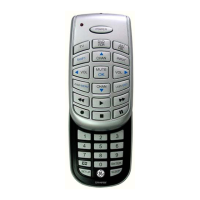
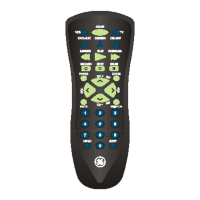
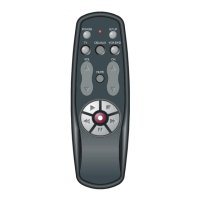
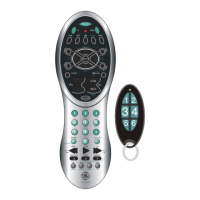
Thank you for purchasing the GE Universal
Remote Control. This product is designed
to provide years of service operating a wide
variety of video and audio equipment.
Please retain this guide for future reference.
Table of Contents
Battery Installation . . . . . . . . . . . . . . . . . . . . 1
Button Description . . . . . . . . . . . . . . . . . . 2-4
Programming Your Audio &
Video Devices . . . . . . . . . . . . . . . . . . . . . . . 5
Programming the Auxillary
(AUX) Button. . . . . . . . . . . . . . . . . . . . . . . . 6
Programming with Code Search . . . . . . . . 7
Menu Function . . . . . . . . . . . . . . . . . . . . . . . 8
Learning Function. . . . . . . . . . . . . . . . . . . . . 9
Clearing a Learned Function. . . . . . . . . . . 10
Identifying Codes from your
Universal Remote . . . . . . . . . . . . . . . . . . . 11
Trouble Shooting . . . . . . . . . . . . . . . . . . . . . 12
Warranty. . . . . . . . . . . . . . . . . . . . . . . . . . . . 13
Lost Codes? . . . . . . . . . . . . . . . . . . . . . . . . . 13
This Universal Remote Control is already
programmed for most GE, RCA and ProScan
TVs, VCRs, Satellite Systems, DVD Players,
and Audio/Video Receivers.
NOTE: For users of GE, RCA and ProScan
Satellite Products, older Satellite models
require that the DISPLAY Button on this
remote be used to make program selections.
Use the SELECT Button for making program
selections on newer GE, RCA and ProScan
Satellite Receivers.
Battery Installation
Your Universal Remote Control requires 2
AAA alkaline batteries.
To install the batteries:
1. Turn the remote over and push down on
the cover and slide it off.
2. . . . . . . . . . . . . . . . . . . . . . . . . . . . . . . . . . . . . .
Insert the batteries, matching the batteries to
the (+) mark inside the battery case.
3. Slide the battery cover back into place.
NOTE: Programmed codes will remain in
memory even after battery life is gone and
also during battery replacement.



 To Next Page