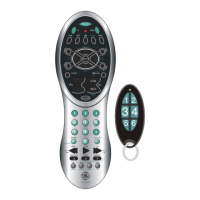
Programming the Auxillary
(AUX) Button
With the AUX button, you can assign a
second TV, DVD, CD player, VCR, Satellite
System, or Cable Box to it.
1. Manually turn on the device you wish to
control. Find the three digit code for the
device you wish to program in the code
list.
2. Press and hold the
SETUP button until the
INDICATOR LIGHT
lights, then release the
SETUP button.
3. Press and release the
AUX button (The
INDICATOR LIGHT will
blink then remain lit.)
4. Enter the code using the
Number Buttons. After
your code is entered, the
INDICATOR LIGHT will
turn off. If the code is not
valid, the INDICATOR
LIGHT will blink. Check
the code list and repeat
process.
5. Aim the remote at the
device you wish to
control and press the
ON•OFF button. The
device should turn off.
6. With your device on,
press CH+ (CHANNEL
UP) button. If the device
responds, no further pro-
gramming is required.
NOTE: If your device does
not respond, try all the codes for your brand.
If the codes do not work, or your brand is
not listed, try the Code Search method on
page 7.
7. Enter your code and
the type of device you
programmed here for
easy reference.
6
SAT
HT



 To Next Page