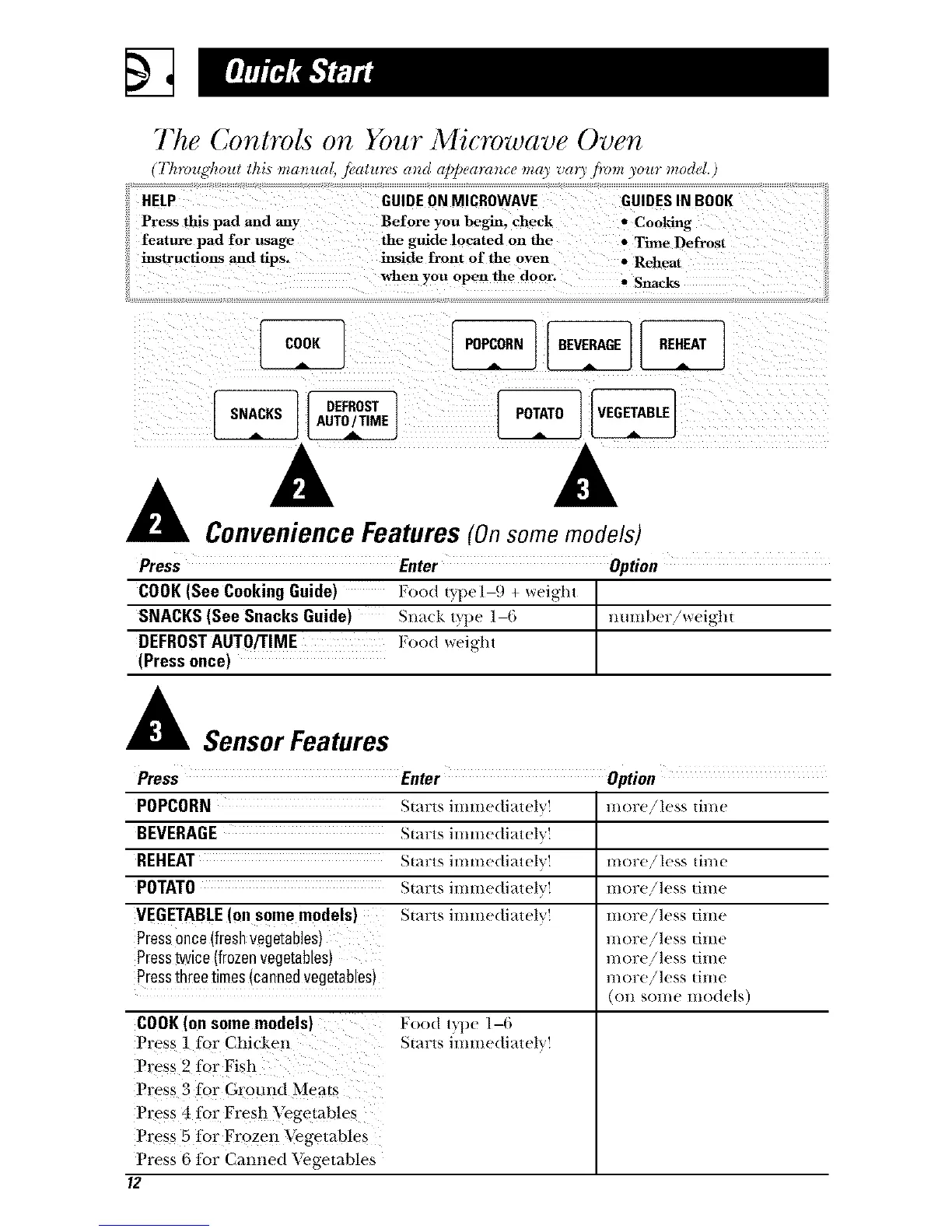
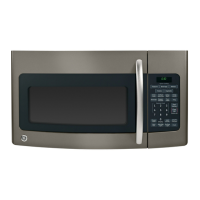
The Controls on Your Microwave Oven
I'k_vu_,'koul tkis ma_ua . jealun_ a_m al_/_eara_tce may v(n)'.lmm ) ur model.
HELP GUIDE ON MICROWAVE GUIDES IN BOOK
Press this pad and any Before you begin, check • Cooking
feature pad for usage the guide located on the • Time Defrost
instructions and tips. inside fronl of the oven • Reheat
when you open the door. • Snacks
OEF,OST]
A A
Convenience Features (On some models)
Press Enter Option
COOK (See Cooking Guide) Food t yrt)(_ 1-_) + Wei_ht
SNACKS (See Snacks Guide) Sna(k t_])e ]--6 1HIHlber/weig]lt
DEFROST AUTO/TIME ];ood weight
(Press once)
A Sensor Features
Press Enter Option
POPCORN Starts immediately! more,/less time
BEVERAGE Starts lmmedlatel"" '_'
REHEAT Starts immediately! more,/less dine
POTATO Starts immediately! more!less time
VEGETABLE (on some models) Starts mmle(hatel more/less Hme
1/10lTe,/less [ilIle
l//ore,/less |ilile
l/lOre/less |ilile
(on some models)
Pressonce (fresh vegetables)
Presstwice (frozen vegetables)
Pressthree times (canned #egetables)
COOK (on some models)
Press 1 for Chi(ken
Press 2 for Fish
Press 3 tor Grotmd Meats
I ress 4 tor Fresh "_k_getab!es
Press 5 R)r Frozen Vegetables
Press 6 for Cammd Vegetables
12
Food ryl)e 1-6
Starts immediateh'!



 To Next Page