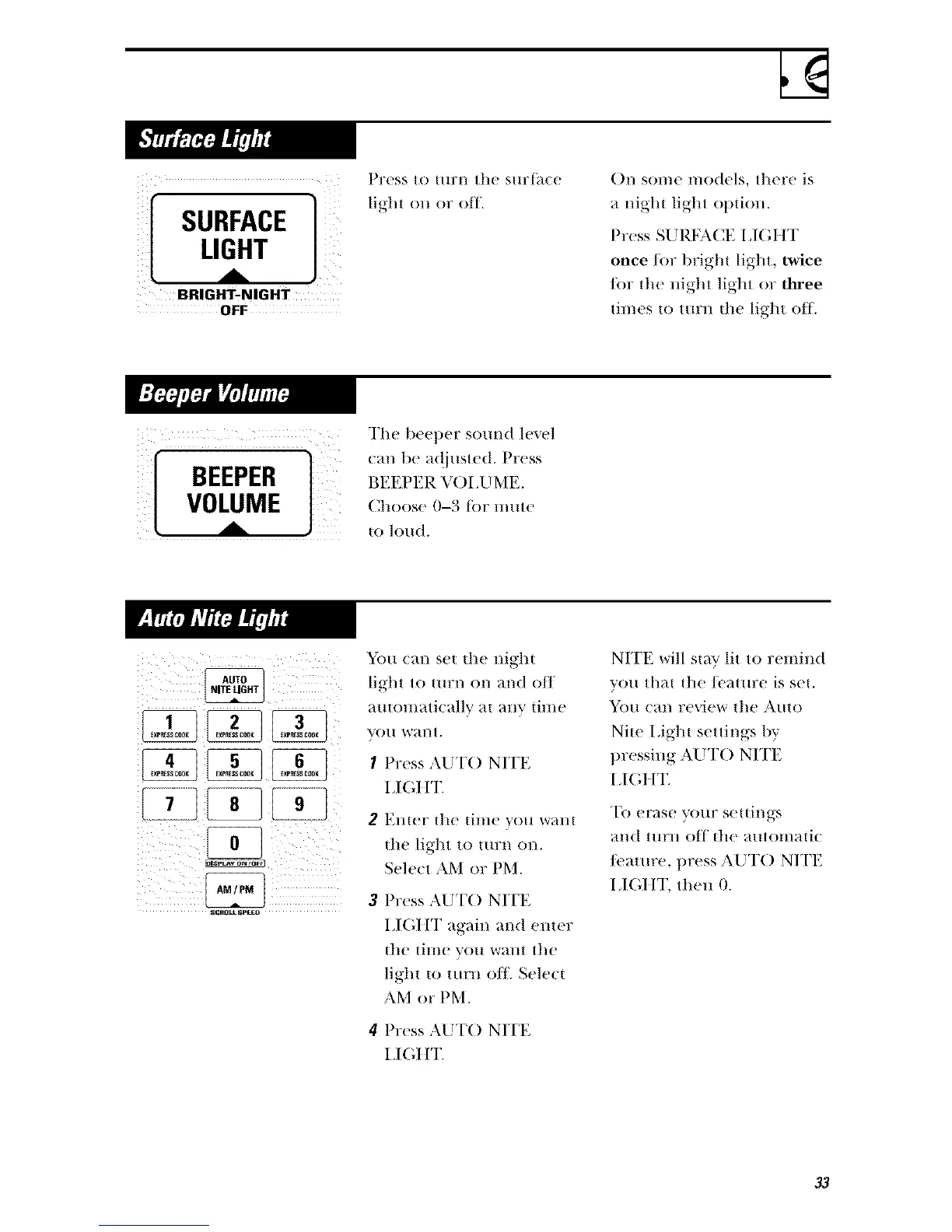
BRIGHT-NIGHT
0 FF
Press to |tlrn the sHr{_l(e
light on or off.
()n some models, there is
a night light option.
Press SLIRFA(]E I,IGIIT
once lot bright light, twice
/or the night light or three
times to turn the light ott.
[ VOLUMEBEEPERA ]
The beel)er sound level
can be a(!justed. Press
BEEPER VO[ JJME.
Choose 0-3 tot nmte
to h)ud.
AUTO
RITE LIGHT
[+7++71
SI;.O_ SPIn
You can set the night
light to turn on and off
nutonlati(-allv at lilly thne
VO/I W_.l] t,
I Press AUT() NITE
I,I(;I t'E
2 Ellter the time you W_lllI
the ligl'[t to ttlrn on.
Seh'ct AM or PM.
Press AI_IT() NITE
LI(;ItT again and emer
the time you warn tile
light to turn o/]_ Select
AM or PM.
Press AUT() NITE
1+l(;l IT.
NITE will stay lit to remind
you that the/cature is set.
_)tl can review the Auto
Nile I,ight settings bv
pressing AUT() NITE
I +I(',ItT.
To erase your settings
an(t ttlrn oil |he p./ltomatic
/cature, press AUT() NITE
11(1I IT, the]] 0.
33



 To Next Page