How To Use
5. Add ordinary user fingerprint (operate on the lock side)
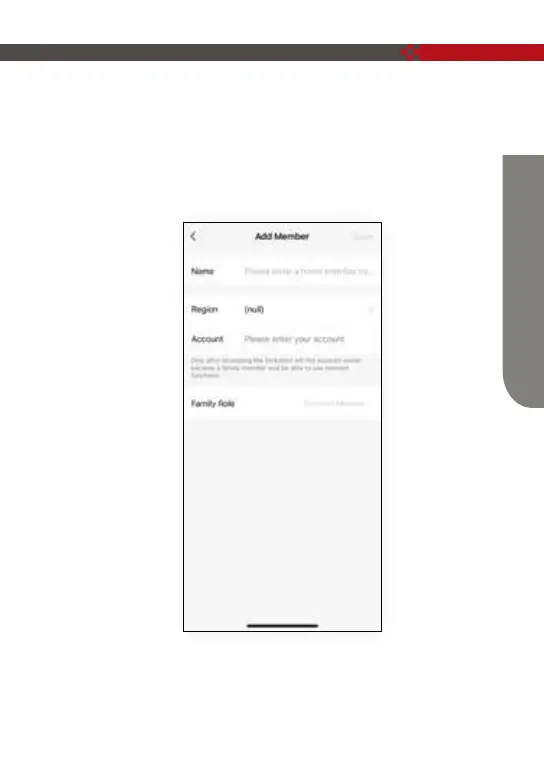
Member management →Members → click “+” →fill in name and other data
→Role setting choose “Common Member ”→back to Members interface →
click the account you just create → click (Add) → (operate according to the
prompt displayed on the mobile phone), after the addition is successful, the
fingerprint can be unlocked.
12



 To Next Page