42
Handsfree
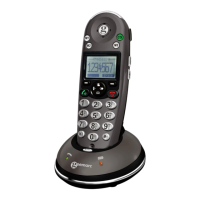
During a call, you may turn on the speakerphone built in
the handset. In this mode you can simply put your
handset on a surface (e.g. a desk) and enjoy the comfort
of the handsfree conversation.
To turn the feature on, press the
key
during a call (line engaged). The
icon appears on
the LCD.
To turn the feature off, and keep on talking in normal
mode, press the
key again. The
icon will disappear.
Notes: Before putting the handset near your ears, be
sure you have turned the speakerphone off.
To adjust the speakerphone volume, page 25 or page 51.
BASIC FUNCTIONS


 To Next Page