9
If your Audio Source does not have a suitable socket for
the Audio Cable’s 3.5 mm stereo plug, then use one of the
Adapters provided:
• RCA Adapter Cable;
• 3.5 mm to 6.3 mm Adapter Plug
• SCART Adapter
(5)
On the rear panel of the Charging Cradle, switch the
Power ON/OFF Switch to ON.
When the audio signal is detected from the Audio Source, the
Green LED Signal Indicator will glow constantly.
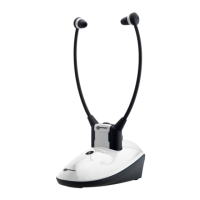
Headset
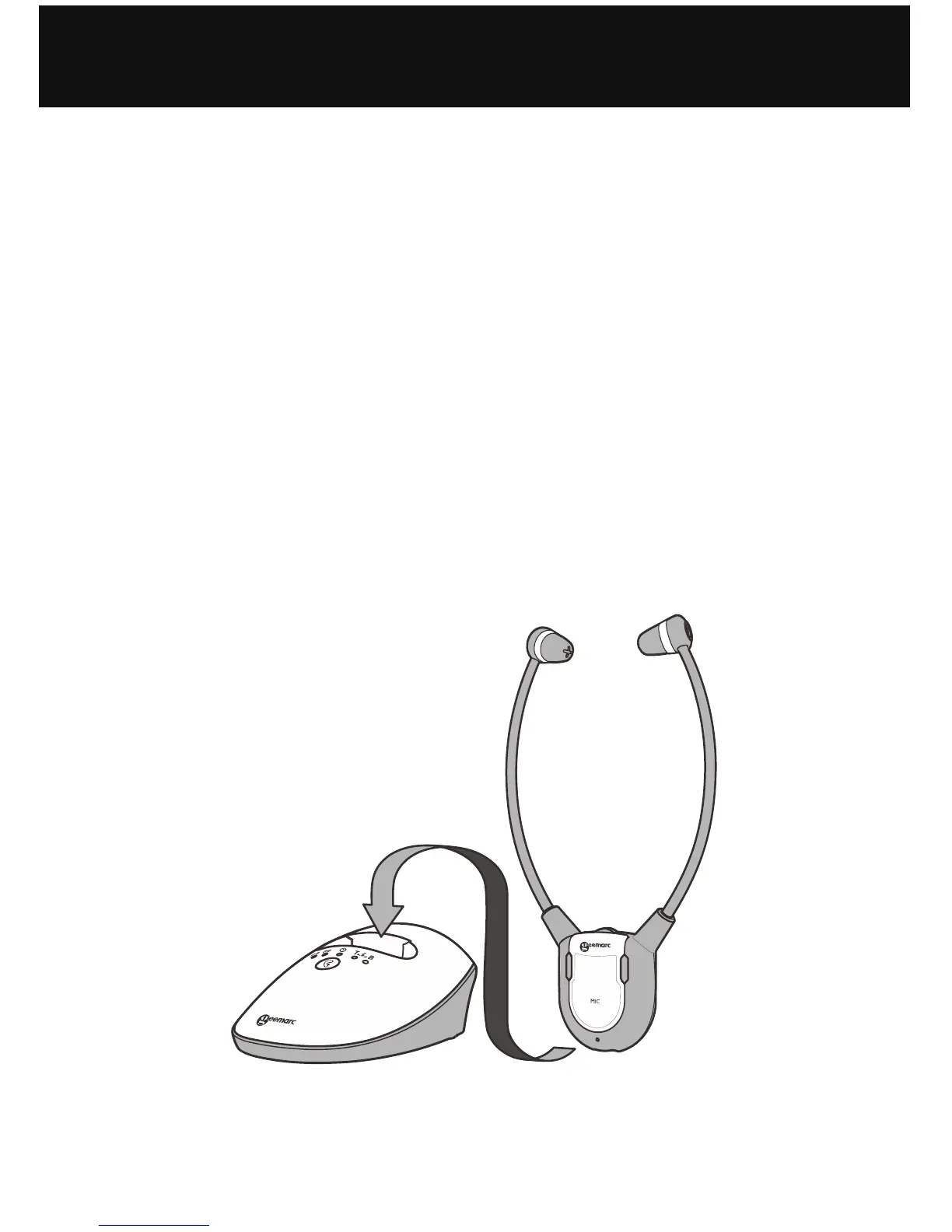
Make sure the built-in Battery inside the Headset is fully
charged for the first use – see Initial Operation below.
INSTALLATION


 To Next Page