5
1 EQ
Provides ne-tuning for optimal signal quality at varying distances. See page
7 for more information
2 Out
Connect a DisplayPort cable from this output to the display.
3 Power
This LED indicator will glow bright blue when the included power supply is
connected to the DisplayPort Booster.
4 In
Connect a DisplayPort cable from this port to the DisplayPort source.
5 5V DC
Connect the included 5V DC power supply to this power receptacle and connect
the power cord to an available electrical outlet.
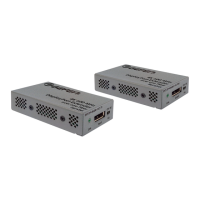
PANEL DESCRIPTIONS



 To Next Page