26
OPERATING THE GEFEN TV SD PVR
This mode can be accessed at anytime while in the USB Mode by pressing the
Music button on the IR remote control. The only exception is when the user is in
the System Menu.
MUSIC MENU
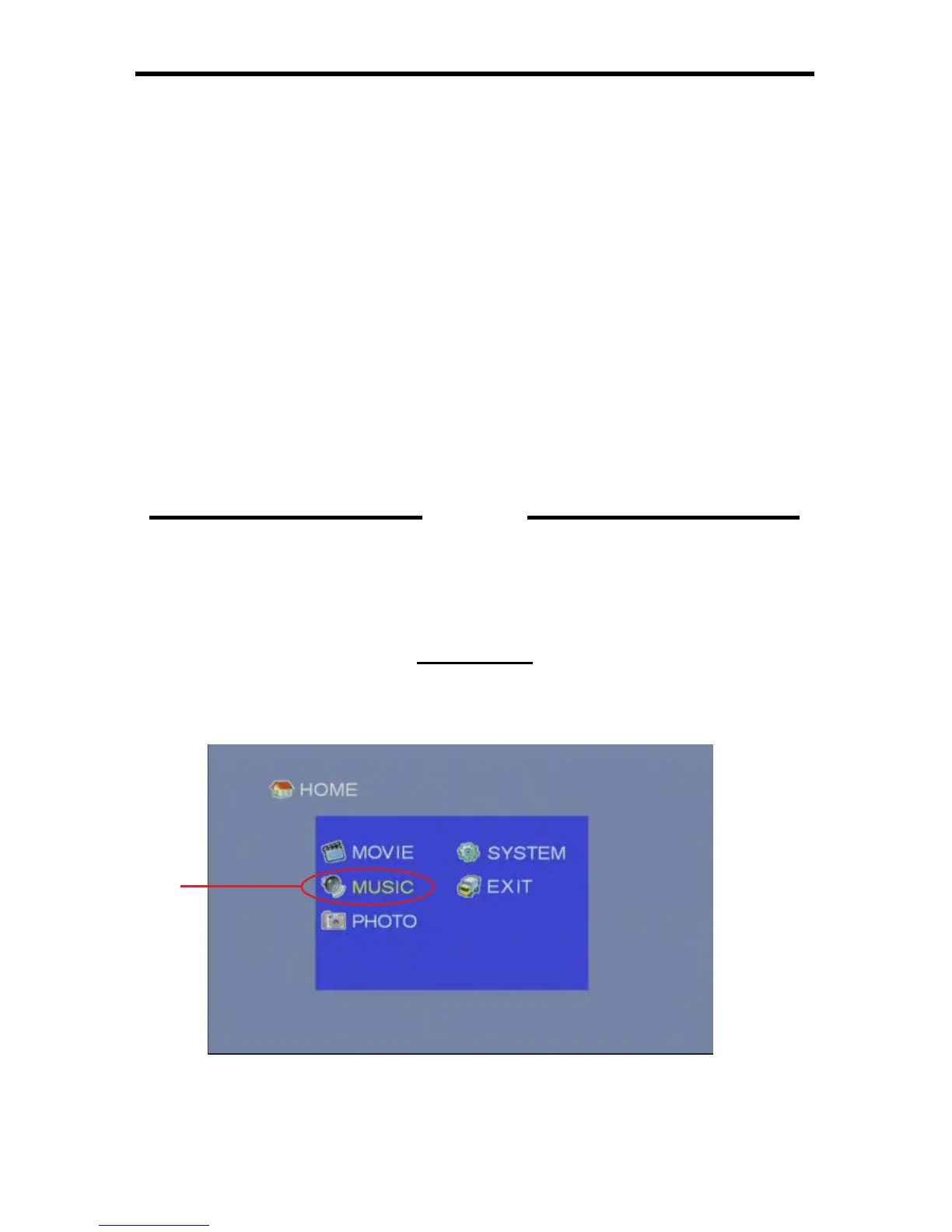
From the Home Screen (4B-1) in USB Mode, navigate to the Music Menu
(4B-2) listing and press the OK button.
4B-1
MUSIC
SECTION 4B
4B-2
CLEAR KEY2
This will clear the entire Name Field.
BACK SPACE KEY3
This key will delete the previous character.
SPACE KEY4
This key will add a space in the Name Field.
CAPS LOCK KEY5
This key will toggle between lowercase and uppercase letters. By default, all
keys will appear in the uppercase form.
Using the Directional buttons on the IR remote control, select the key you
wish to use and press the OK button to use it. Once the desired name has
been entered, navigate to the OK key and press OK on the IR remote control
to confi rm changes. You can cancel the entire process and revert back to the
previous name by selecting the CANCEL key before any new changes have
been saved.



 To Next Page