ENGLISH
89
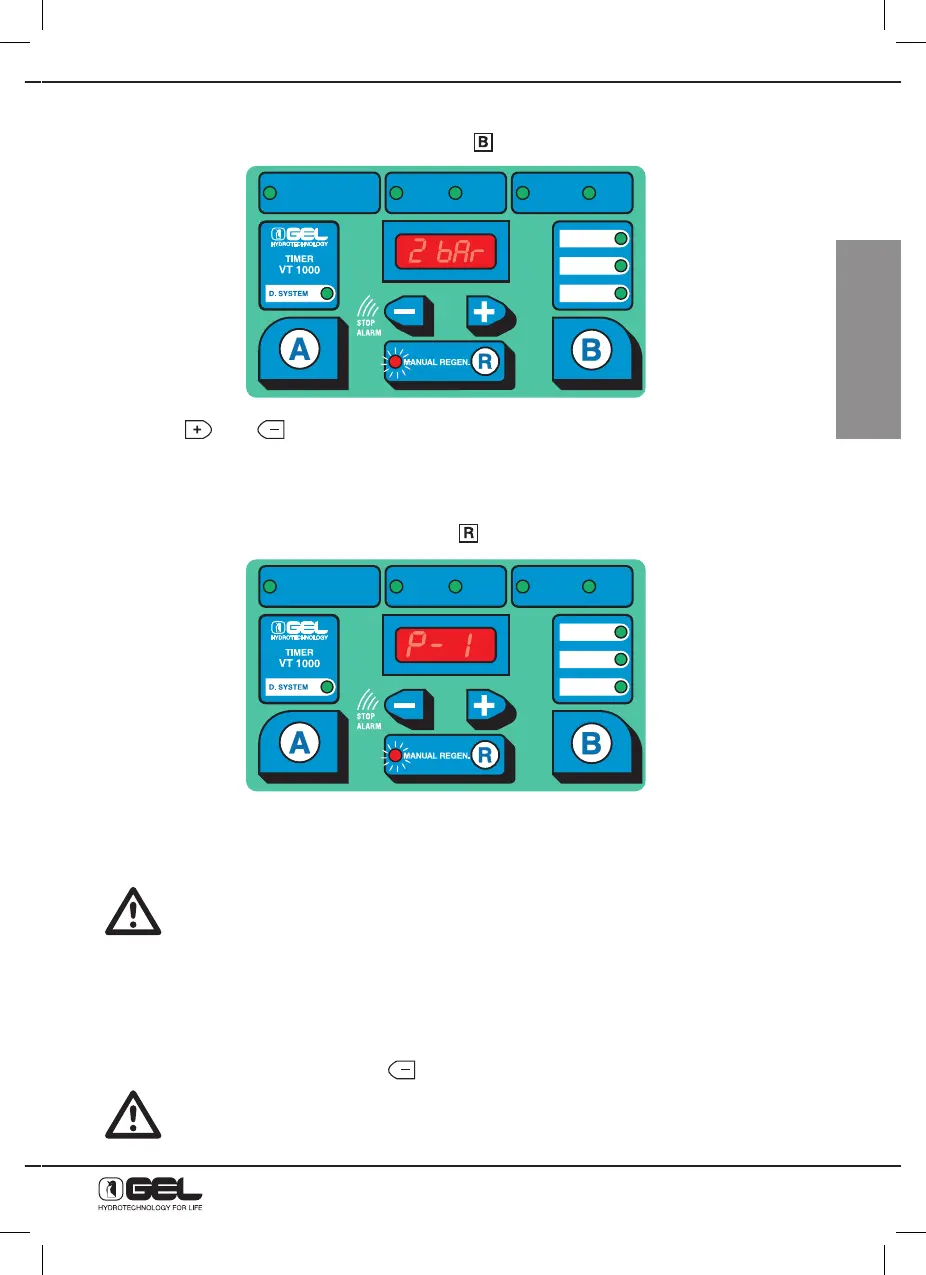
15.5 - HOW TO SET WATER PRESSURE AT THE INLET OF THE WATER SOFTENER
From the previous setting “working mode”, press key
and the display below will be shown:
Press keys
and
to set water pressure at the inlet of the water softener
15.6 - HOW TO CARRY OUT THE MANUAL REGENERATION
The manual regeneration is started by pressing key
.
The red Led indicator will stay on for the entire duration of regeneration.
Wait for regeneration to complete. After that the softener will automatically restore the operating stage.
During regeneration the water softener supplies untreated water.
15.7 - EXHAUSTED SALT ALARM
The timers VT 1000 AD and ET 500 AD are fitted with an alarm system activating whenever the salt
amount in the tank is not enough for guaranteeing a good regeneration of the resins. When this occurs,
the display shows the writing “SALT” and a sound alarm will be heard.
To stop the sound alarm, just press Key
(STOP ALARM).
Until the salt alarm is manually stopped, the softener will not carry out any further
regeneration.
DUREZZA ACQUA
WATER HARDNESS
DURETÉ EAU
ORA
HOUR
HEURE
MINUTI
MINUTES
MINUTES
GIORNI
DAYS
JOURS
WASHING MODE
ORA RIG
HOUR REG
HEURE REG
TIME
SELECT
VOLUME
VOLUME-TIME
DUREZZA ACQUA
WATER HARDNESS
DURETÉ EAU
ORA
HOUR
HEURE
MINUTI
MINUTES
MINUTES
GIORNI
DAYS
JOURS
WASHING MODE
ORA RIG
HOUR REG
HEURE REG
TIME
SELECT
VOLUME
VOLUME-TIME



 To Next Page