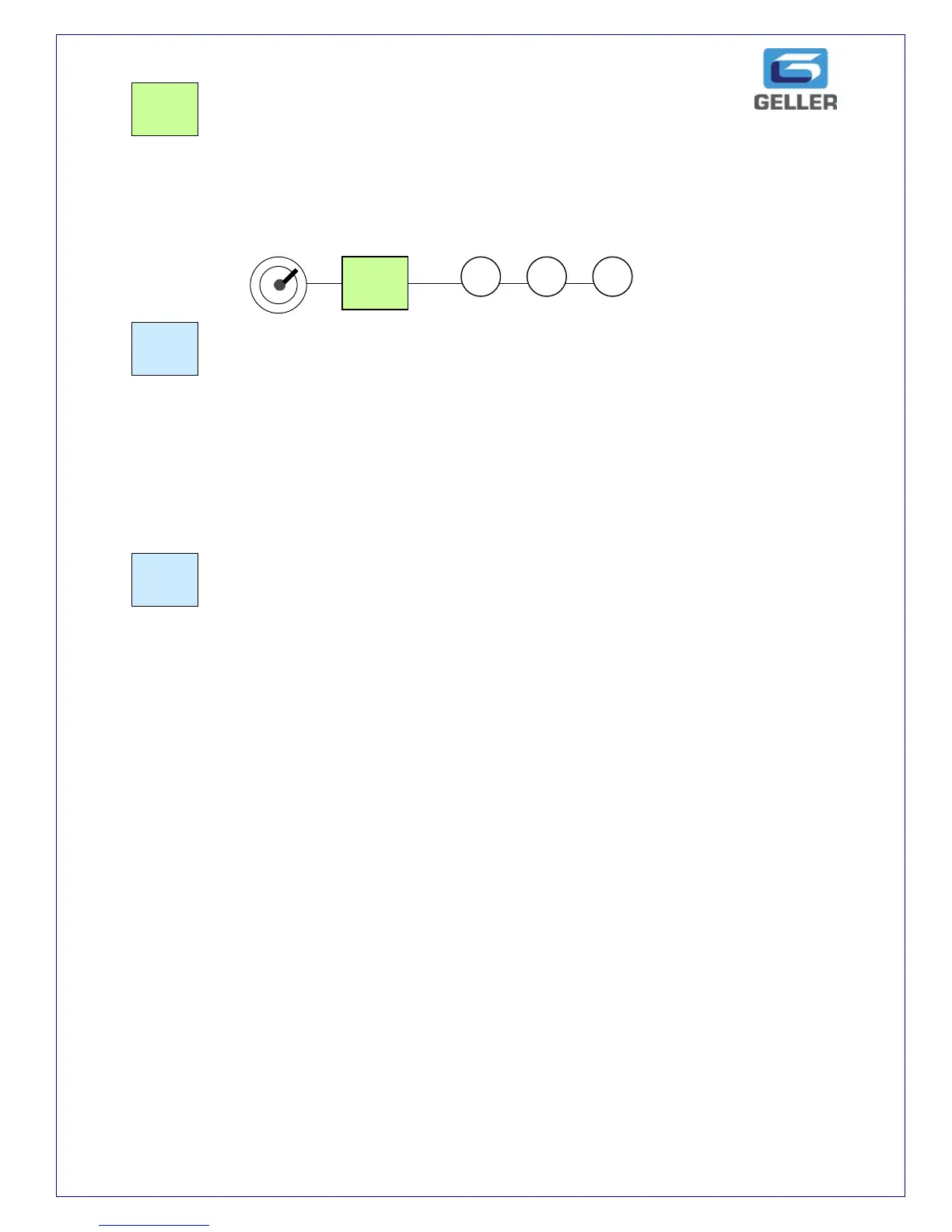
The Return button is used for voiding any item that was registered in a previous
transaction, e.g. when goods are returned.
Example:
The Discount button is used to discount a whole amount from a transaction total.
e..g. a 50p Coupon.
enter the amount to be discounted and press the – button. The user can pre-set
the – button if required.
The -% button is used to discount a percentage from either a single item or a sub
total of multiple items. The user can pre-set the -% button if required.
The +% button is used to add a percentage to either a single item or a sub total of
multiple items. The user can pre-set the +% button if required.



 To Next Page