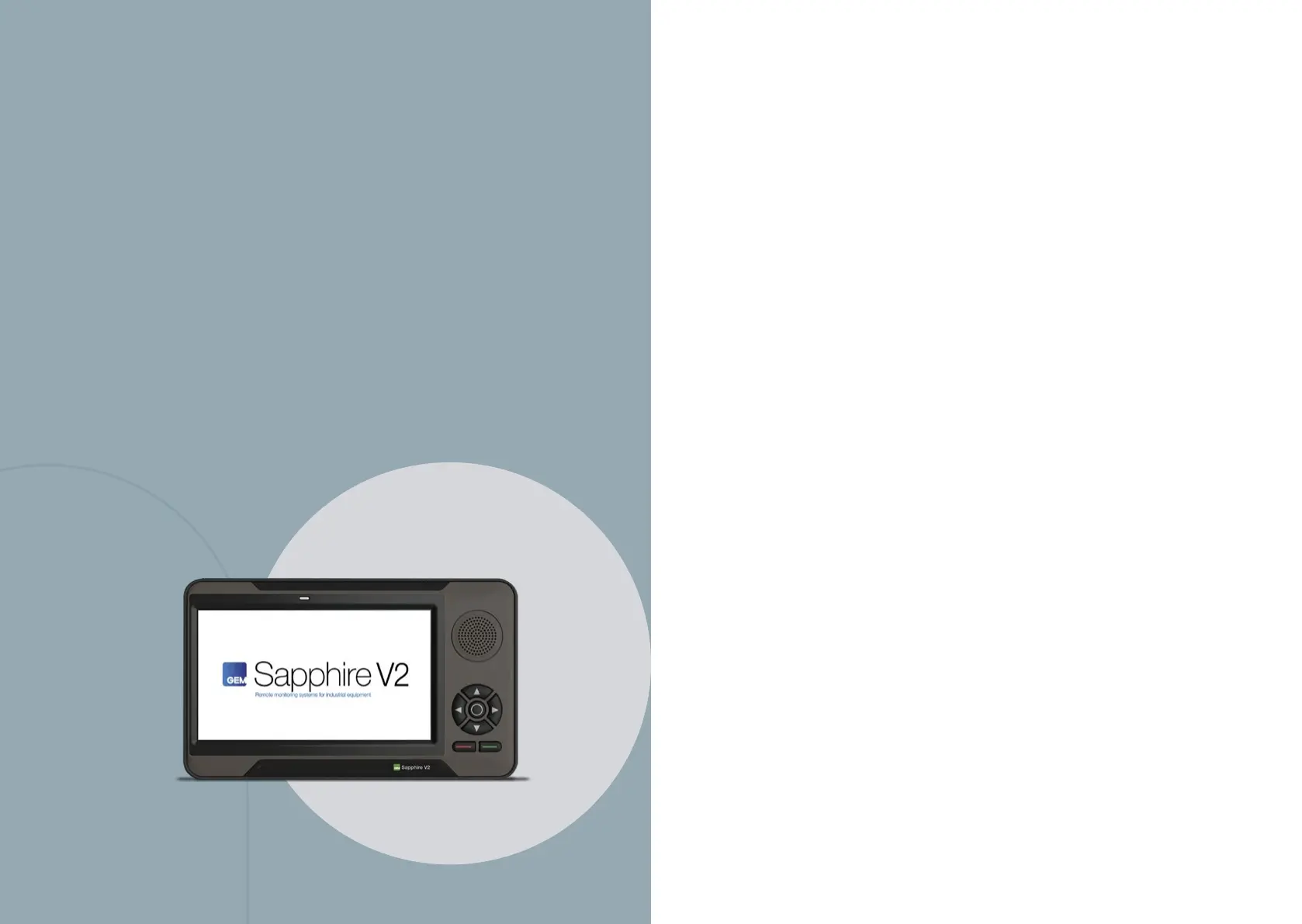
The purpose of this document is to provide possible solutions
for common issues that can be encountered with the Sapphire
system. The guide will be broken down into various sections.
To use the guide, select the issues closest to your situation
and then follow the steps to help resolve it. If the issue cannot
be resolved after following the steps, please contact the support
team at:
+1 (844) 656-1156
or send an email to techservice@gemone.com
General information
Issues:
Screen turns OFF immediately as the key is
turned to the o position
Troubleshooting Steps:
1. Ensure the red wire (constant power) is connected to a power
source that always has voltage. This source will have power
when the key is On, O and even when the emergency stop
button is pressed.
2. If a power source is coming from a DC-DC converter,
ensure the converter does not have an isolated ground.
Equipment cannot be used after logging in
Troubleshooting Steps:
1. There are two sets of spades on the black and grey connectors.
Ensure these are connected together.
2. Measure continuity of the drive inhibit wires. The relay should
be closed after logging in.
3. On internal combustion equipment, ensure the drive inhibit
wires are not connected to an area that has high ampere.
4. On battery electric equipment, ensure there are not any error
codes after logging into the equipment.
Operator does not get logged out of the session
Troubleshooting Steps:
1. Ensure the yellow wire (ignition sense) is connected to a keyed
power source. This source will have power when the key
is On and will not have power when the key is O or when
the emergency stop button is pressed.
4



 To Next Page