11
batteries will be recharged and at the
same time the tester may be used with
the AC adapter.
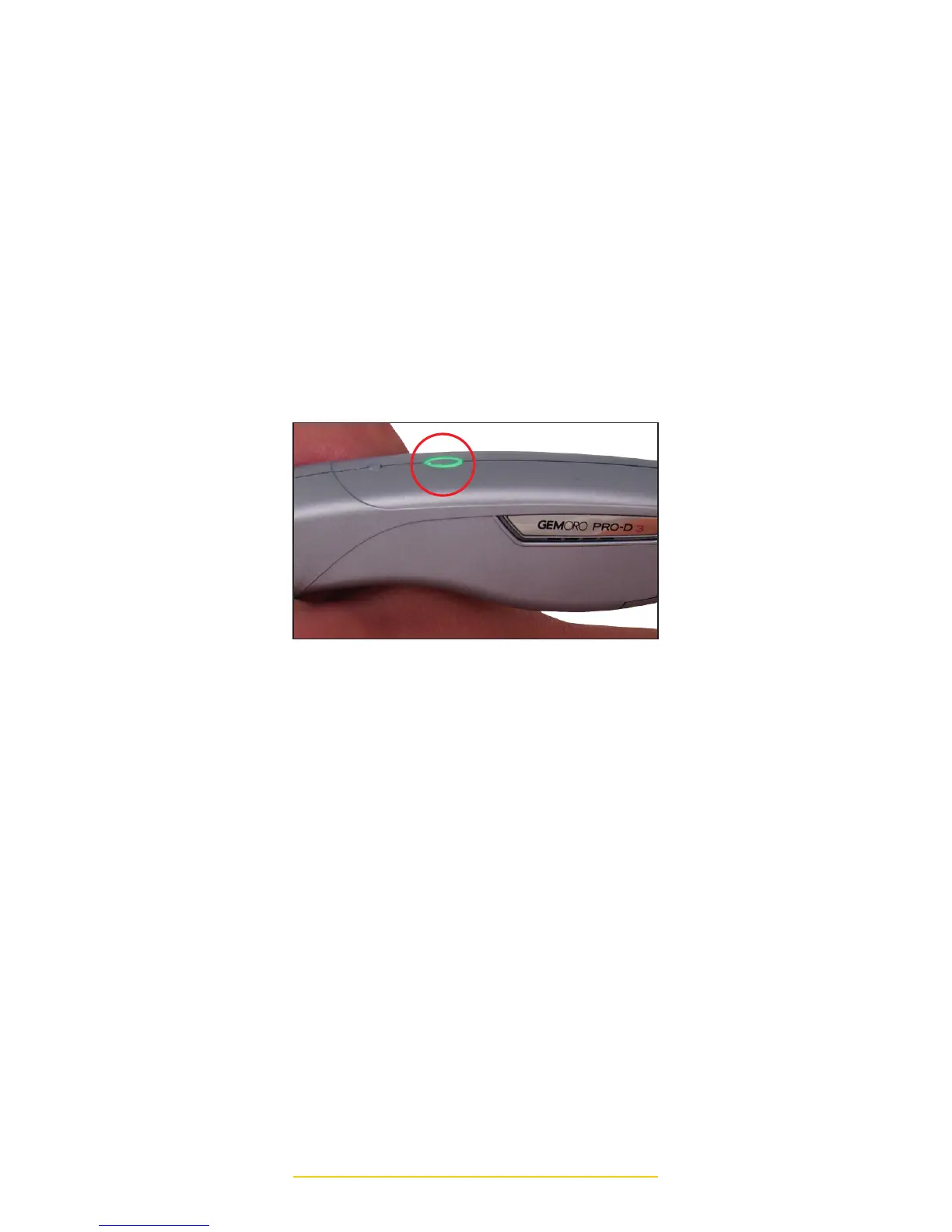
3. To turn the PRO-D 3 ON press the
oval shaped power button, located on
the top center edge of the tester and
hold it down for approximately one
second, then release the button. The
power button’s green LED indicator
will begin flashing. The warm-up time
is approximately 25 seconds. When it
has fully warmed up, the flashing green
LED light will become solid and a beep
tone will be sounded. You may now
begin using the tester.
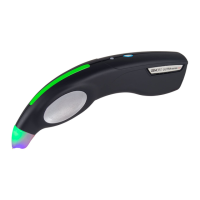
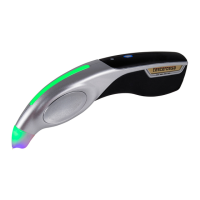
4. The PRO-D 3 is also equipped with
a PATENTED color-coded light pipe
and probe tip cone indicator. This line
of sight colored indicator allows the
user to easily see the test results while
keeping their eyes on the stone being
tested.
GREEN = Diamond
PINK = Sapphire
RED = Metal Alert
5. Prior to using the PRO-D 3, be certain
to REMOVE THE WHITE CAP at the
front end of the tester that serves to
protect the probe tip from accidentally
being bent or broken. The cap may
be easily removed by simply applying
a minimal amount of pressure to
the sides of the cap, as you hold it
between your thumb and forefinger.
POWER BUTTON



 To Next Page