GenadyneBiotechnologies|EN(V5.0909.1) 20
SystemInfo
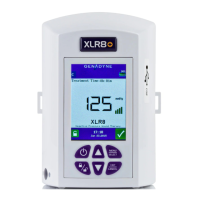
System info provides information about the system.
Software version, serial number and the usage meter is included in this function.
LanguageSelection
This function allows the user to choose which language to use.
To select the desired language, navigate using the Up/Down button in the Language and press the
Menu/Select button.
The words in system will then automatically change to the selected language.


 To Next Page