Mobile Link 13
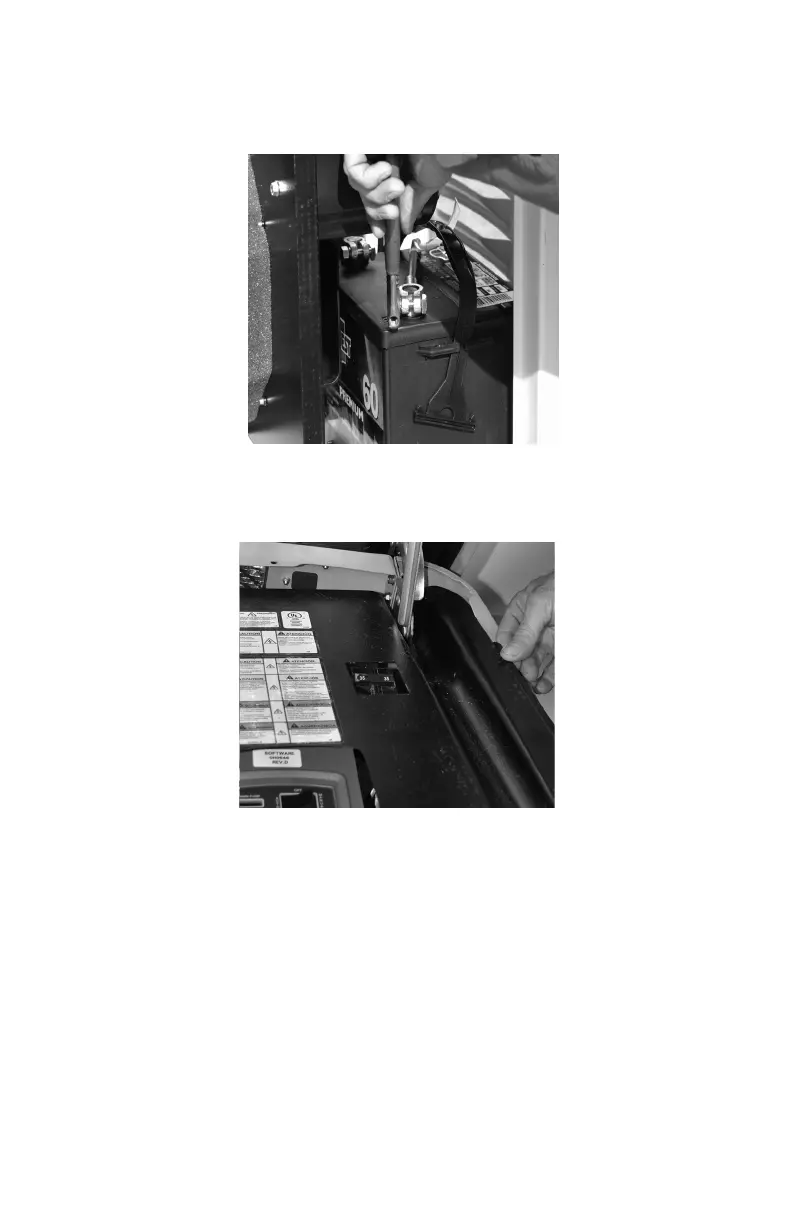
5. Disconnect battery black (-) cable. Then, the red (+) cable. See Fig-
ure 3.2.
Figure 3.2 - Removing Battery Cables
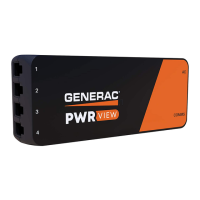
6. Remove the controller sheet metal cover and fasteners. See Figure
3.3.
Figure 3.3 - Removing Controller Fascia
7. Attach and use the provided template to position the hole location.
Mounting hole location is critical for proper operation. 1” of the
Mobile Link unit antenna must be above the top of the generator
roof when installation is completed.



 To Next Page