Mobile Link 17
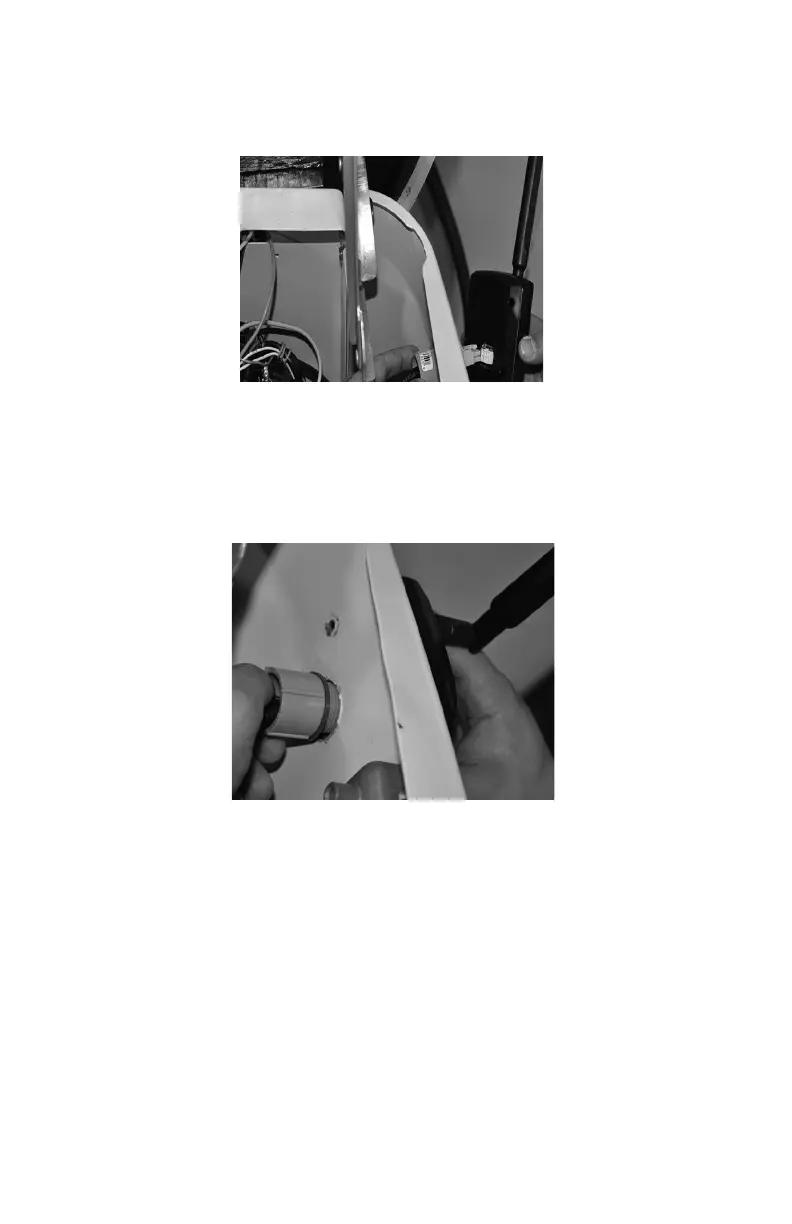
14. Insert the six pin connector into the Mobile Link unit. See Figure
3.10. Connector will only fit one way. DO NOT force into place.
Figure 3.10 - Plug Harness into Mobile Link unit
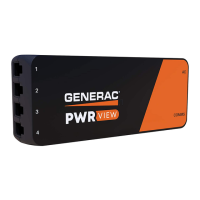
15. With the plug installed, tighten the plastic fitting and draw the
Mobile Link unit to the generator’s wall. Be careful not to over
tighten. Position the Mobile Link unit with the antenna facing
upwards. See Figure 3.11.
Figure 3.11 - Attaching Mobile Link unit to Fitting



 To Next Page