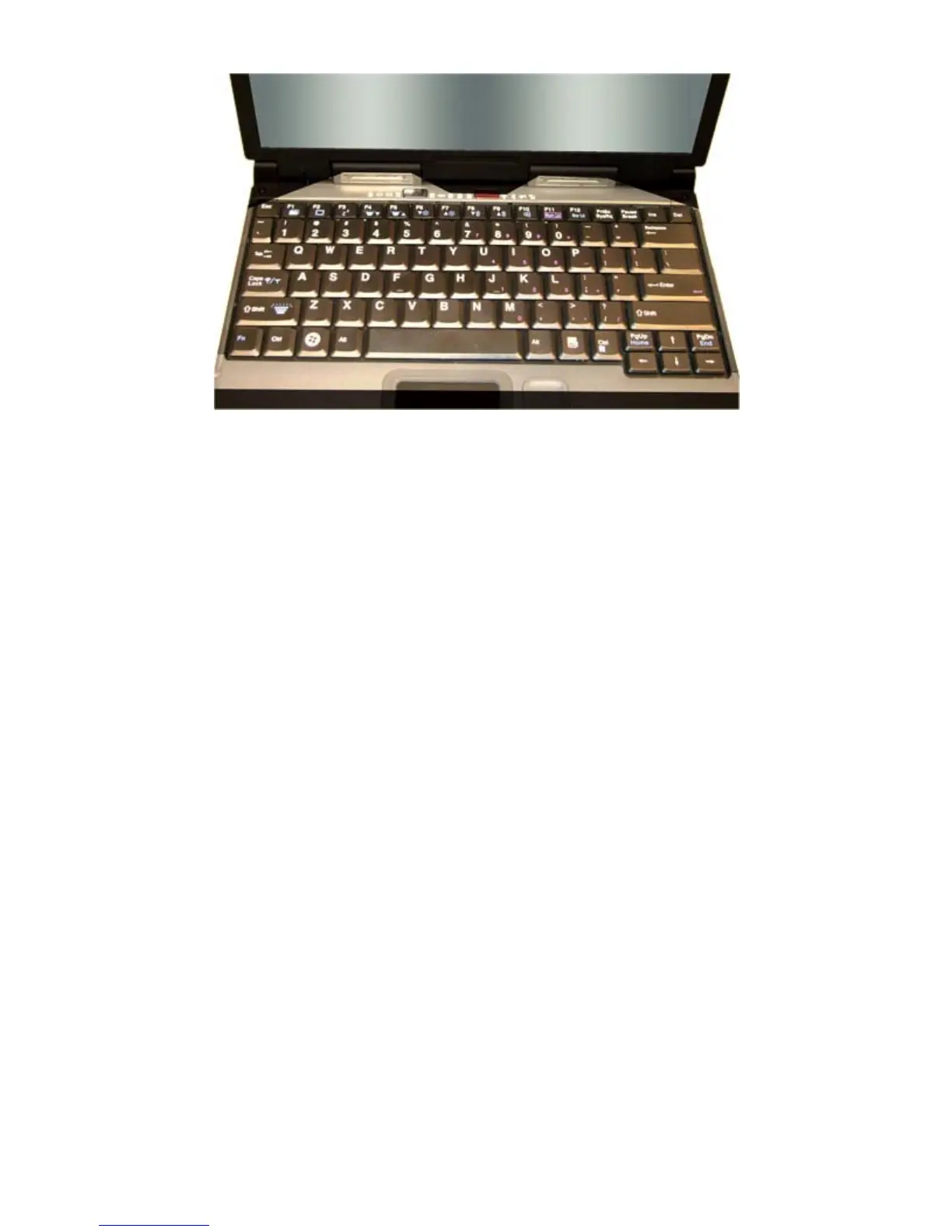
To Use the Headlights (task lights)
1. Press
Fn+Shift
to toggle the lights on or off.
NOTE
If the light does not come on, try adjusting the headlights by pressing
Fn+F5
to turn the brightness up.
2. Press
Fn+F4
to dim the headlights
3. Press
Fn+F5
to brighten the headlights
LED Status Indicators
Thirteen easy-to-read LEDs (Light Emitting Diodes) under the display screen indicate activity status for common
functions
Hover the mouse over each LED and S
mbol on the picture to see a description
Pa
e 15 of 70V
-2 Hel
4/26/2007file://C:\Documents and Settin
s\harwoodm\Local Settin
s\Tem
\~hh3F7F.htm



 To Next Page