6 7
Charging:
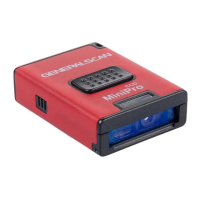
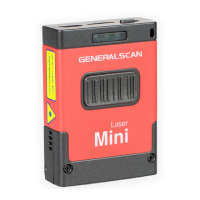
Before using the Generalscan Bluetooth barcode
companion which include GS-M100BT,GS-M300BT,GS-
M500BT for the first time, please charge the battery using
micro-USB cable until the red charging LEDs light is off.
You can plug the USB-A cable into any PC USB port or
Android smartphone charging adapter with 5V DC output.
Model GS-M100BT GS-M300BT GS-M500BT
Interface Micro-USB Micro-USB Micro-USB
Charging Voltage DC-5V 0.3A DC-5V 0.3A DC-5V 0.5A
Battery Volume 550maH 550maH 600maH
Charging Time 3-5 hour 3-5 hour 3-5 hour
Working Time(10s
interval trigger with
good decode)
12 hour 14 hour 14 hour
Scanning Techniques
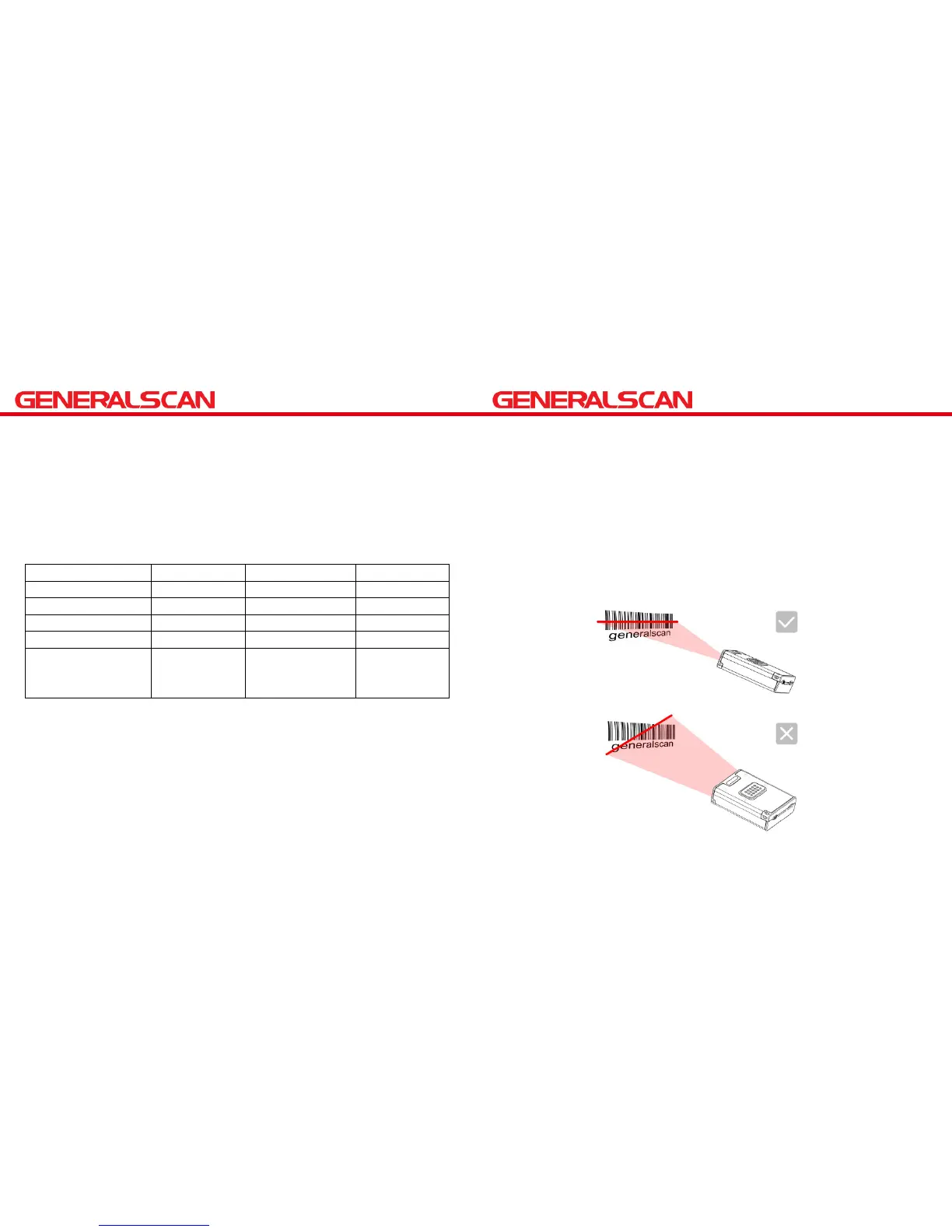
Please aim at the middle of the barcode through the
red light when scan the barcode.
Please scan properly in accordance with the following
diagram,adjust the scanner angle and distance slowly ,at
the same time ,press the trigger button ,make the centre
red light cover the left to right of the barcode .
Do not use the second image to scan barcode .


 To Next Page