English
-23-
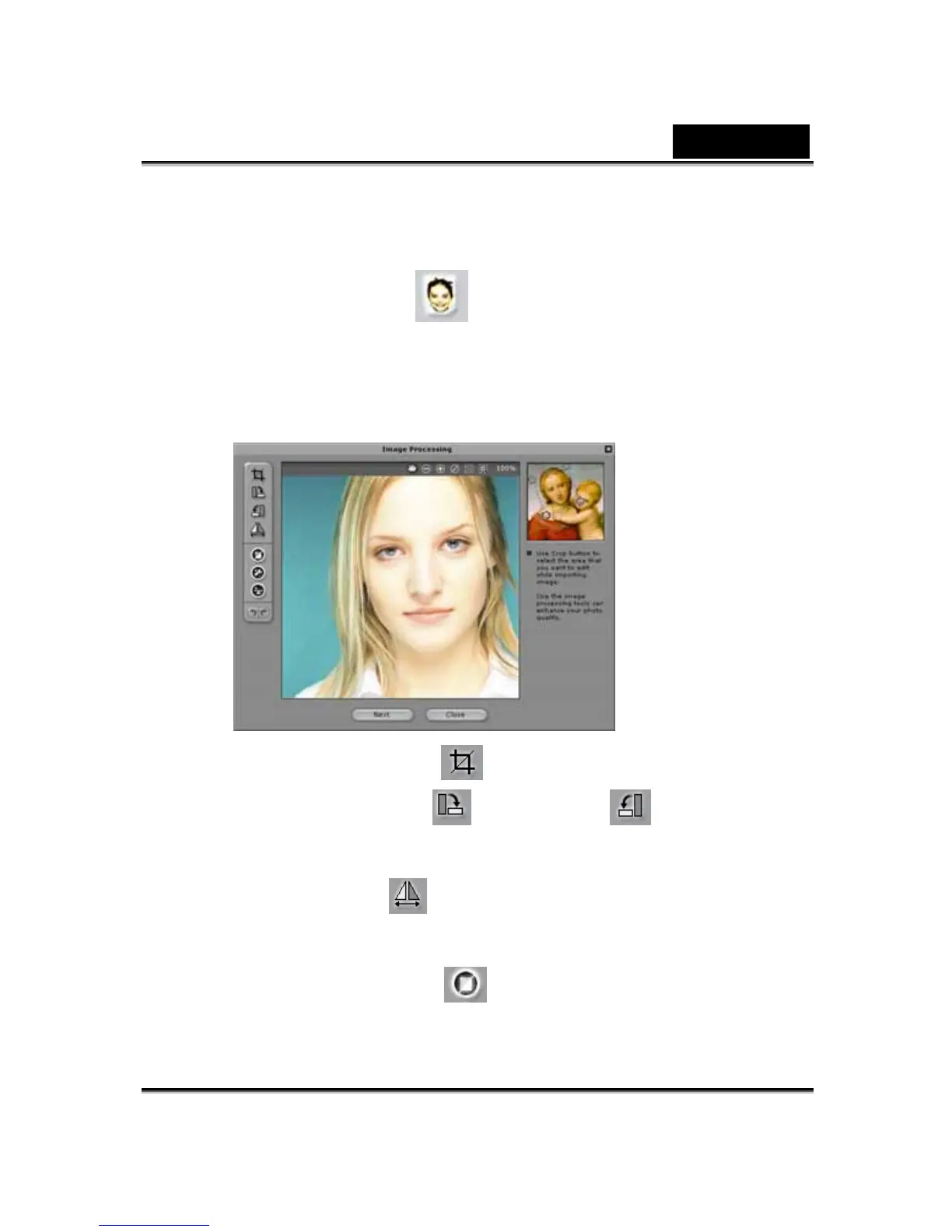
To create a CrazyTalk Avatar Creator Model:
1. Click Import Image . The Open dialog box appears. Select
the desired image and click Open to load it.
2. The Image Processing tools will be automatically launched.
Crop Image : Select the required image area.
Rotate CW /Rotate CCW : Rotate the
image by 90 degrees clockwise or counterclockwise.
Mirror : Flip the image horizontally as a mirrored
reflection.
Smart Level : Adjust the color levels of the
image automatically.












 To Next Page