English
-67-
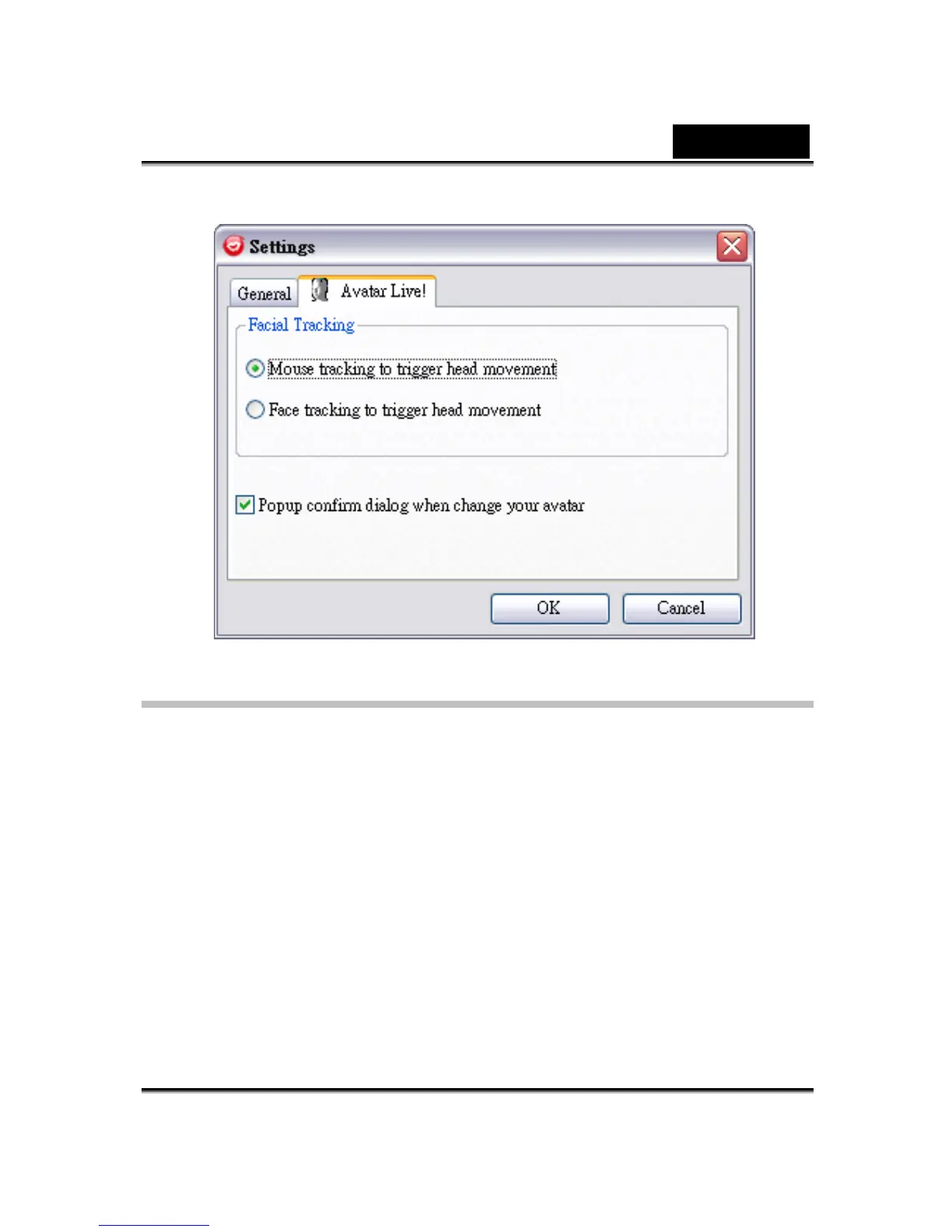
General Settings
• Change Language allows you to change user interface to the selected
language.
• If you have instant-messaging application installed on your OS, please
manually change the audio/video devices.
Take Skype 3.0 for instance, please invoke dialog box under
Tools/Options. Set both the Audio In and the Video/Select webcam to
Reallusion Virtual Audio and Reallusion Virtual Camera.












 To Next Page