English
-40-
b. Continue using Head Motion Preview to preview the result, and
drag down the mouse to preview the mouth open while you lower
the head.
• How can I make the eyes look more real?
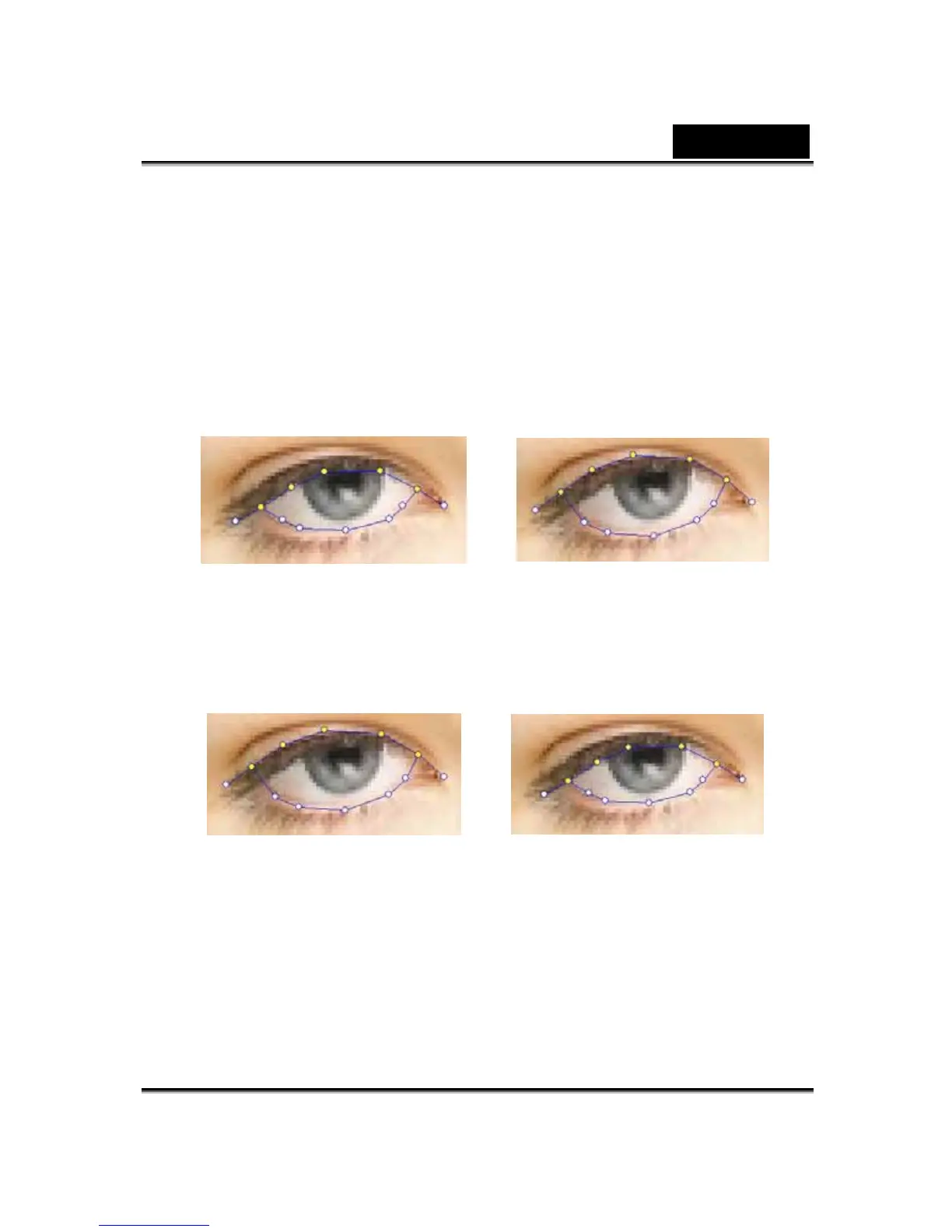
If you are not using virtual eyes, but retaining the eyes in the original
picture, move the control points outside the eyelids to create an even
more realistic blinking action.
Incorrect Correct
If you are using eyes from the CrazyTalk eye library, you need to set the
eye control points inside the eyelids This improves the realistic quality of
the animated eyes.
Incorrect Correct
• How can I improve the mouth movements for a photo with
an open mouth?
Use the Detailed Facial Mode to keep the upper and lower lips
separate. Use the Force to Close function to close the mouth while
speaking.












 To Next Page