28
GB
Instruction manual
Modes and application scenarios
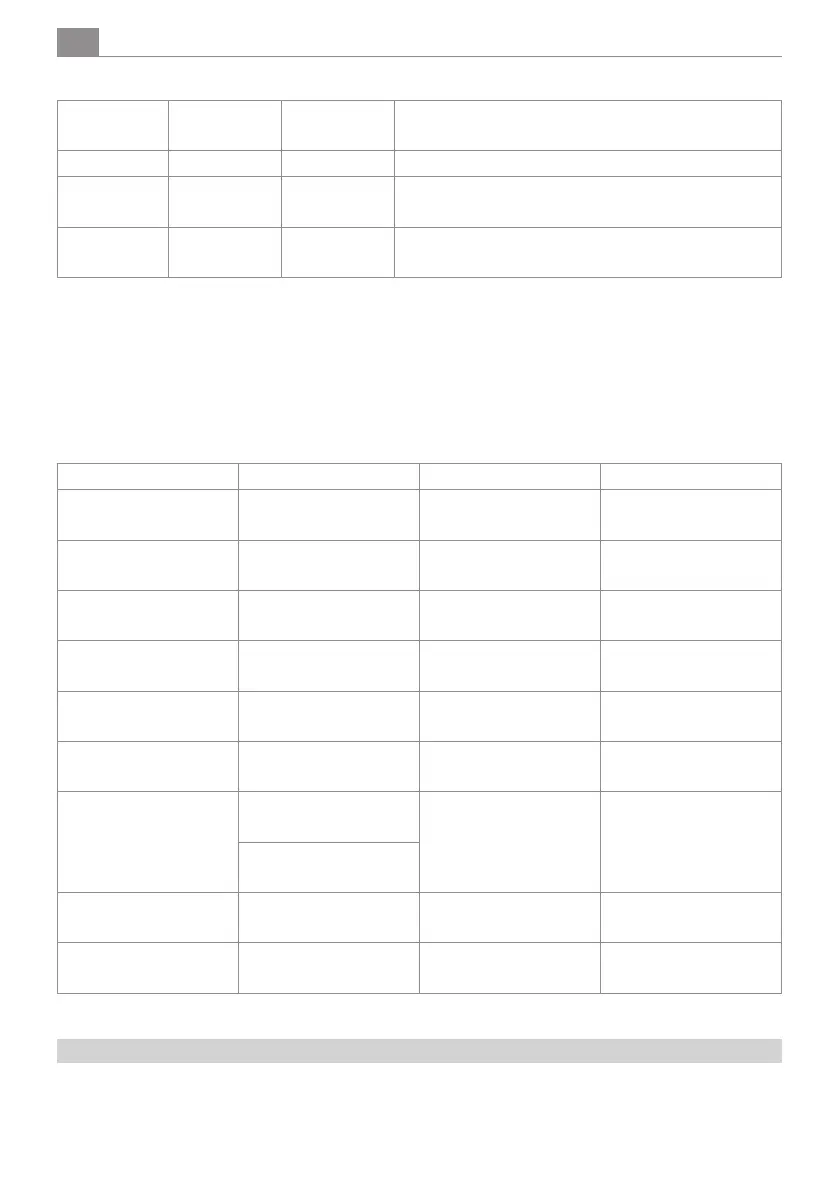
Modes Suction
power
Water
release
Applications
Standard Normal Normal Cleaning of lightly soiled oors
Boost Strong Enhanced Cleaning of soiled oors
Dry Strong Switched o Cleaning dry dirt or residual water on the oor
Self cleaning
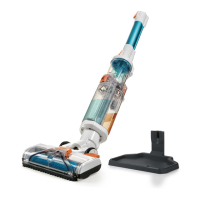
1. After use, place the appliance on the storage and cleaning unit.
2. To start the self-cleaning function, press and hold the self-cleaning button for about 3 seconds.
3. The self-cleaning process takes 60 seconds and requires some water (approx. 200 ml) in the fresh water tank.
4. After self-cleaning, please clean the wastewater tank and dry the pick-up and cleaning station.
5. To stop the self-cleaning function prematurely, press the self-cleaning button or the ON/OFF button.
LED indicator
Status On/O switch LED LED mode button LED self-cleaning button
Standard mode Lights up and shows
battery level
Lights up in blue O
Boost mode Lights up and shows
battery level
Flashes blue O
Drying mode Lights up and shows
battery level
O O
Self cleaning O O Lights up blue
Charging Lights up blue O O
Fully charged O O O
Battery level Battery level > 10%
LED lights up blue
O O
Battery level < 10%
LED lights up purple
Irreparable error LED ashes red and goes
out after 10s
O O
Problem O O LED ashes blue and goes
out after 10s.
Use of the accessories
1. Cleaning brush: With bristles to remove stubborn dirt from the waste water tank and the suction opening. At the
other end of the brush is a fold-out blade to cut away tangled hair (see Fig. H).


 To Next Page