English
-10-
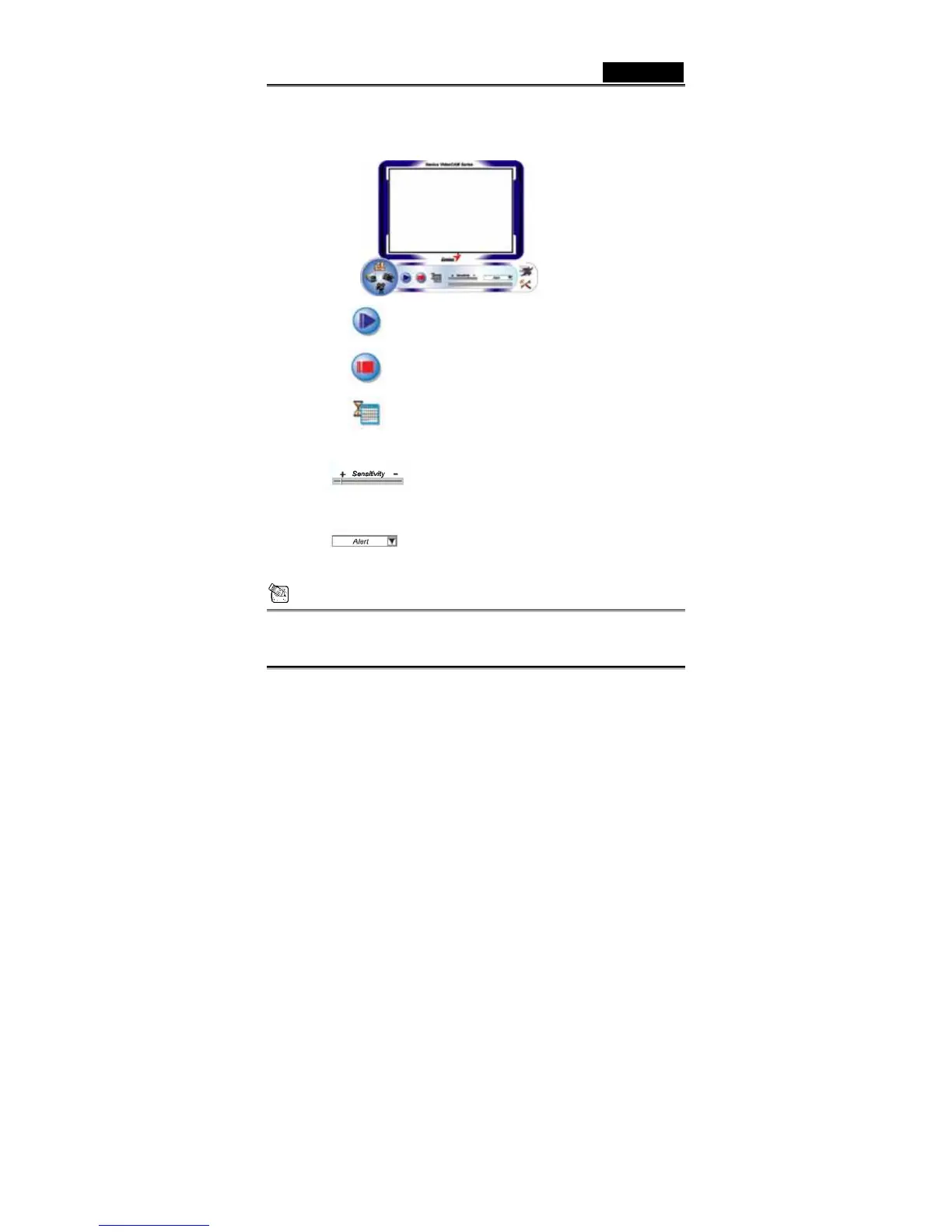
set the software so it works at times when you’re not around.
A.
Start recording
B.
Stop recording
C.
Setup time of the security monitoring system
D.
Set up the degree of the variance for every
second of recording image. When the differences
are over the setup degree, the system will alert
you.
E.
Set up the different alerting sound effects
NOTE
In “Security Monitoring System” section, you can record in any size of
image resolution. If you want to change the resolution, please click














 To Next Page