English
-4-
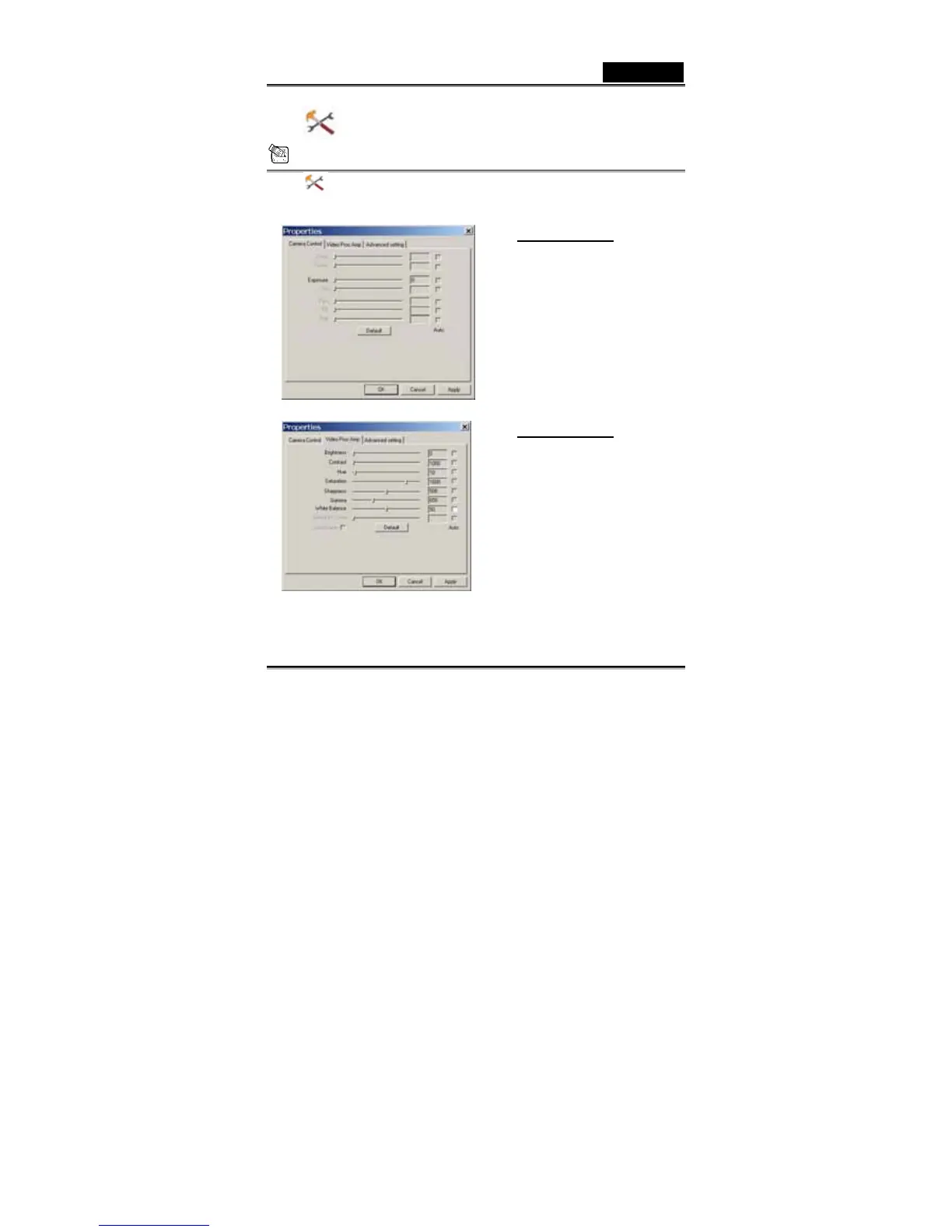
Camera Control
NOTE
In the camera control section, you can personalize your camera
settings for different circumstances.
Camera Control:
You can set different values for
different circumstances and
environment
-Press “Default” to return to
the manufacturer’s settings.
Video Proc Amp:
In the section, you can adjust
different values toward image
itself.
-Press “Default” to return to
the manufacturer’s settings.














 To Next Page