English
-11-
“ “to go back to the “Preview Mode” and make the changes.
For MAC users, while you are installing the driver, the web
camera’s application, called “WebCam Monitor”, will be installed at
the same time. Once you finish the driver installation, the icon
“WebCam Monitor” will show up on the desktop
automatically.
With WebCam Monitor, you can take image shots, record video clips,
personalize the camera settings for different circumstances, and so on.
1. Snapshot function
You can just simply press the snapshot button on the web camera to
take pictures.
2. Video Clip
You have two ways to record images.
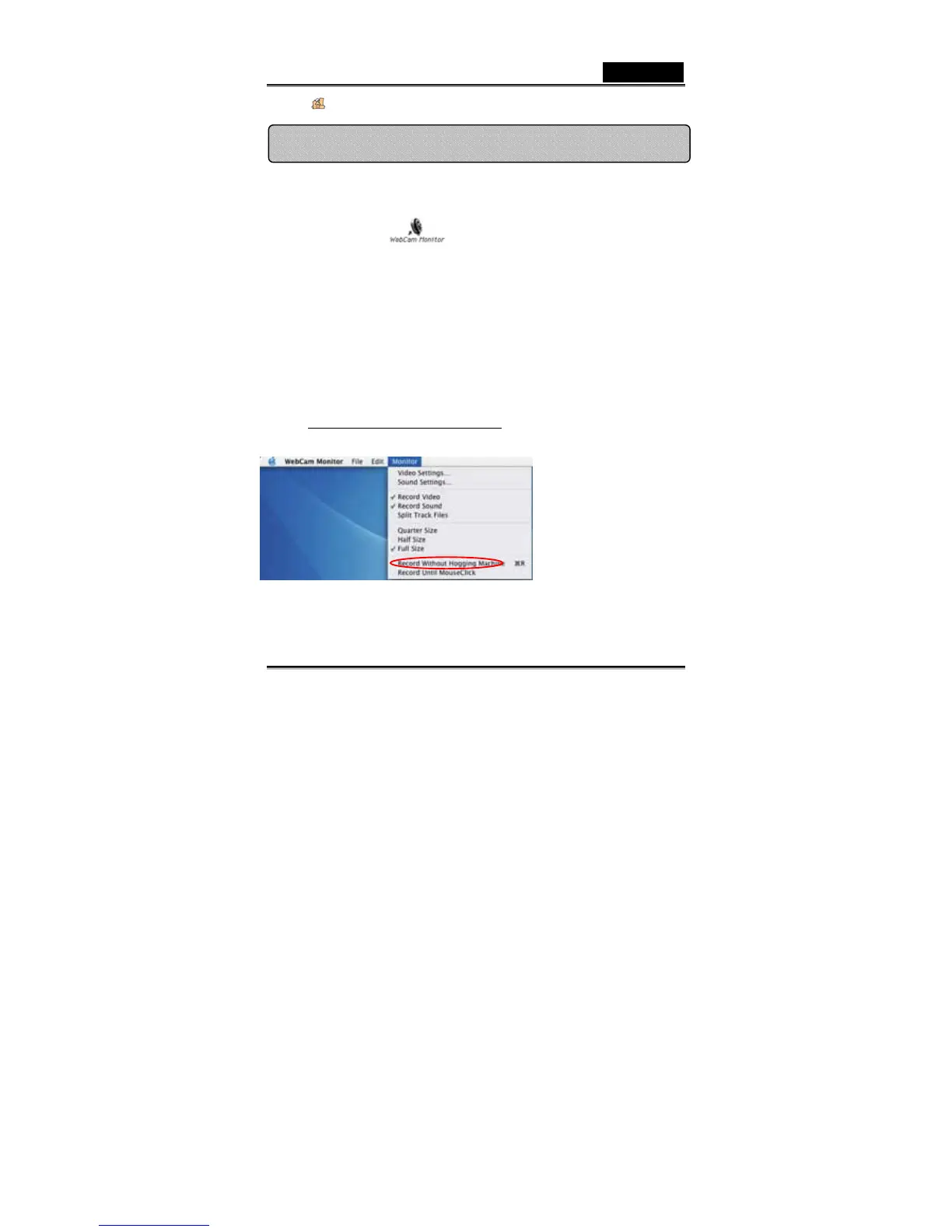
a. Record Without Hogging Machine
Go to “Monitor” Æ Click
“Record Without
Hogging Machine”
ÆChange the file name
you would like to save as
and the location Æ Click
“Save” to start recording
WebCam Monitor (MAC Only)














 To Next Page