English
-8-
Move the image to the right
Resolution selection
This section shows the resolution you selected in
the “Preview Mode”. If you want to change the
resolution, please click “
“to go back to the
“Preview Mode” to make the changes.
NOTE
You can zoom in/out or move the image to the position you would like,
and then take pictures.
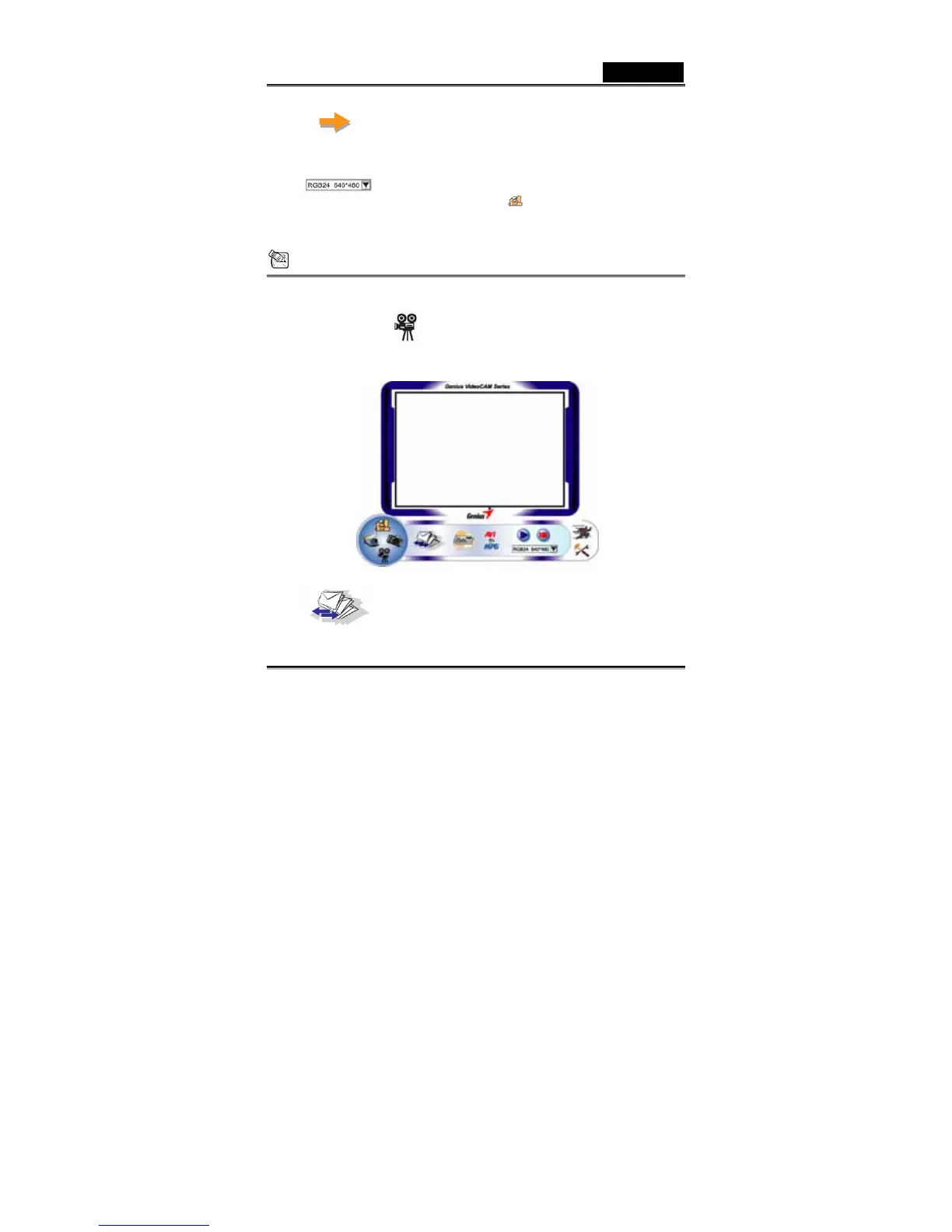
4. Video Clip Mode
You can record real-time image in this section.
Send photo by e-mail














 To Next Page