English
-5-
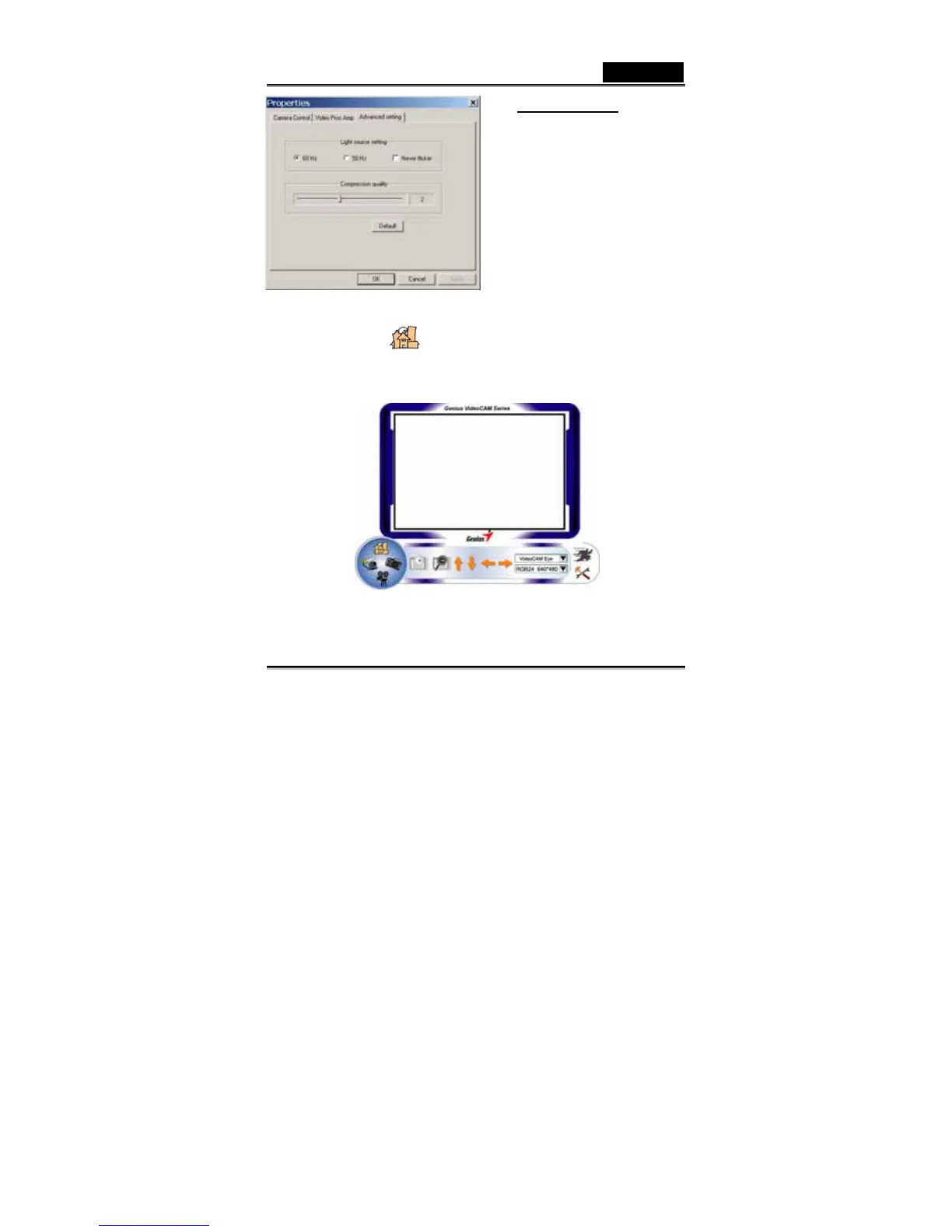
Advanced setting:
Select the correct frequency
according to the country where
you are using the web camera.
Also, you can have different
compression choices for your
images.
-Press “Default” to return to
the manufacturer’s settings.
2. Preview Mode
You can use the function buttons on the control panel to zoom in/out and
move upward/downward/left/right.














 To Next Page