Error! Use the Home tab to apply 标题 1 to the text that you
want to appear here.
56 FA50 Operation Manual
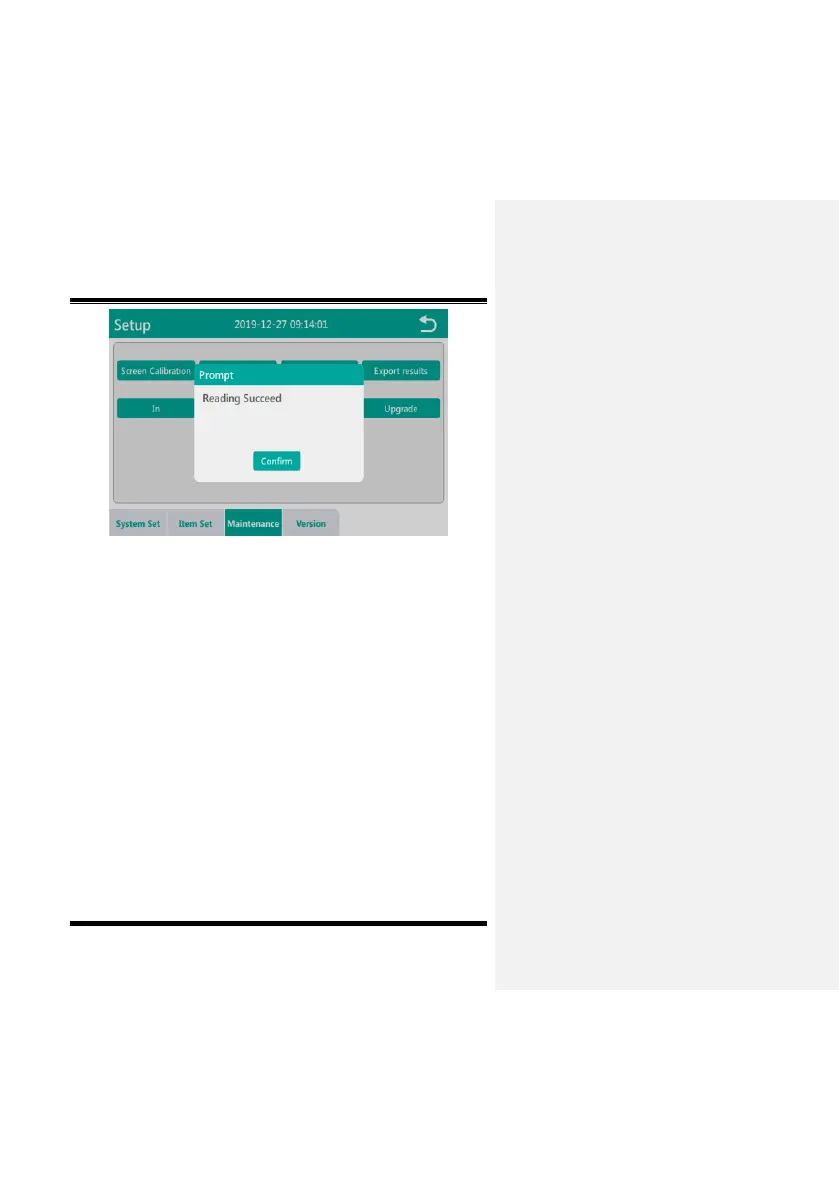
Fig. 5-8-17
5.8.3.7Upgrade
Before preparing to upgrade the software, first place the software
upgrade package in the root directory of the USB flash drive, insert
the USB flash drive into the USB interface on the back panel of the
instrument, and click the “Upgrade” button in the maintenance
interface. The current interface will prompt “Program upgrade may
cause data loss. Please back up your data. Confirm now?”, as
shown in Fig. 5-8-18, click the “Confirm” button to start the software
upgrade. After the upgrade is completed, it will prompt “Program
upgrade successful, please restart the instrument”.


 To Next Page