6
Duet II | User manual
GETTING STARTED
Meter connection
Your display will show
Connecting
to smart meter...
for up to 15
minutes while the display connects to
the smart meters in your home.
Should your display show
No
Network
then you will need to
contact your utility to complete the
installation.
Connection established
Once your display has successfully
established a connection to your
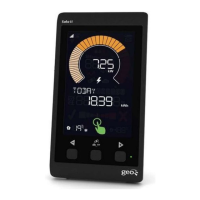
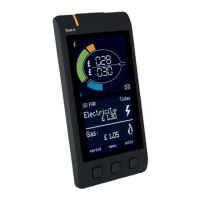
smart meter(s), your Duet II will show
the current consumption and totals so
far today.
The lines at the top indicate whether
an electricity smart meter (top) or
gas smart meter (bottom) have been
connected.
You can now use your Duet II display.


 To Next Page
 Loading...