
 Need help?
Do you have a question about the GEONAUTE MW600 and is the answer not in the manual?
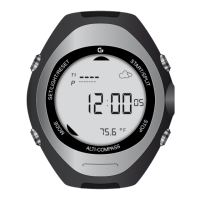
Displays time, date, and optionally weather predictions, temperature, altitude, and local pressure.
Explains how to use the compass, including calibration and magnetic field sensitivity warnings.
Details weather forecasting, pressure readings, and graphic displays of barometric trends.
Covers altitude measurement, graphical display of variations, and calibration procedures.
Allows recall of stored data from Altimeter mode, including accumulated altitudes and speeds.
Guides on measuring time to reach a base camp altitude target using the stopwatch function.
Explains how to use the stopwatch, record split times, and manage stored sessions.
Describes the countdown timer function, including setting duration and recording 'spl' times.
Details setting and using daily alarms and the chime function for notifications.
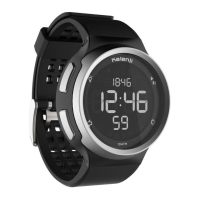
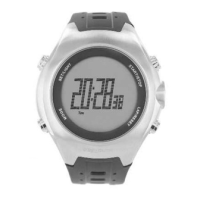
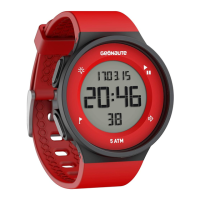


 To Next Page
 General