47
EN
Preparation for use
Activate your blood pressure monitor
Your blood pressure monitor is activated when the date
and time are set.
Setting Date and Time
It is important to set the clock before using your blood
pressure monitor, so that a time stamp can be assigned
to each record that is stored in the memory. (time format:
24 H)
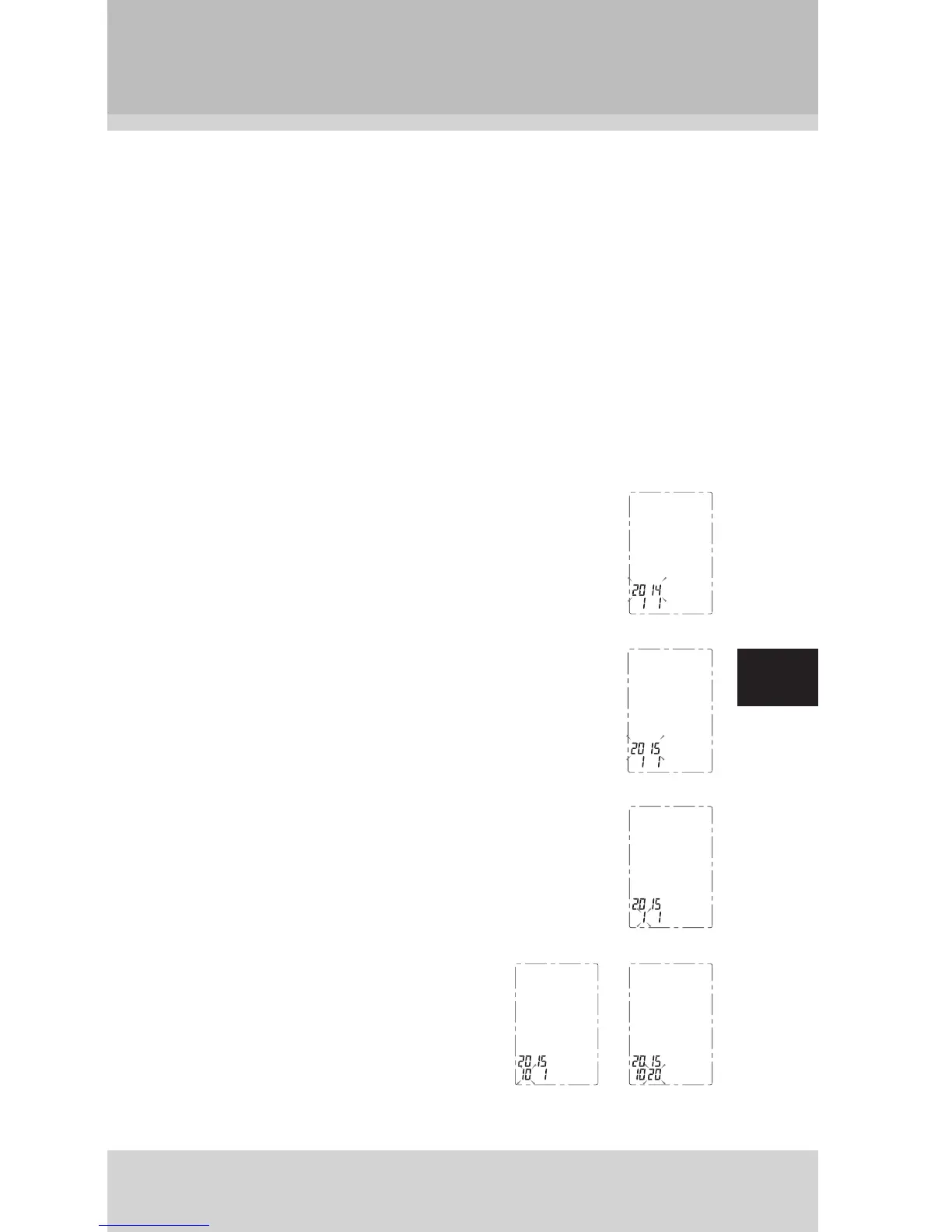
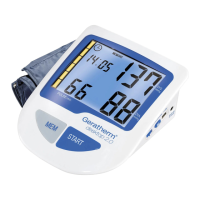
1. When the monitor is off, hold pressing
“MEM” button about 3 seconds to enter the
mode for year setting.
2. Press “START” button to change the year.
Each press will increase the numeral by
one in a cycling manner.
3. When you get the right year, press “MEM”
button to set down and turn to next step.
4. Repeat steps 2 and 3 to set
the [MONTH] and [DAY].


 To Next Page