52
EN
How to operate the unit
4. Press “START” button to power off, otherwise it will
turn off within 1 minute.
Deleting readings
1. Press and hold the “MEM” button
for about 3 seconds when the unit
is already in memory mode.
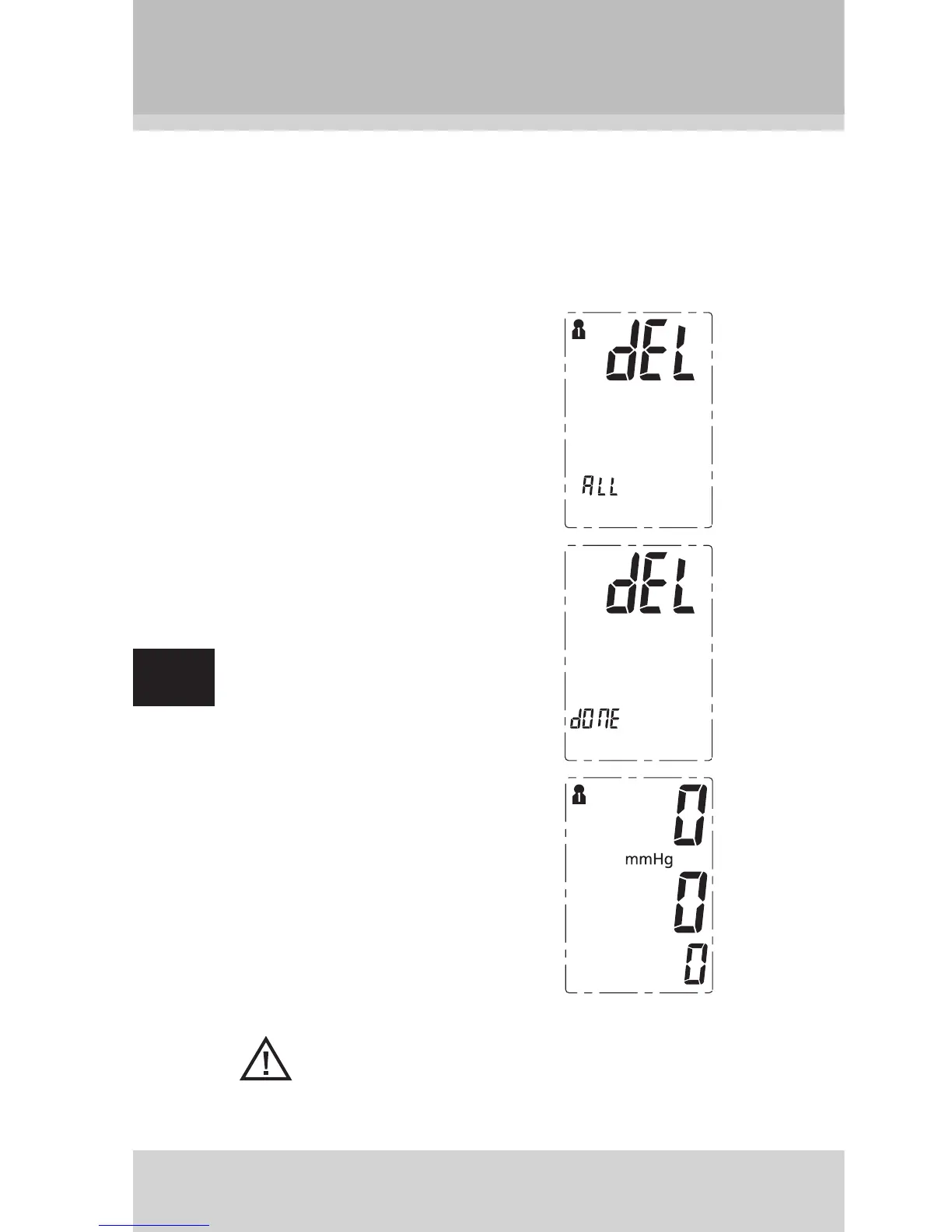
The user and “dEL ALL” (delete
all) appears on the display.
2. Press the “MEM” button to confi rm
the deletion process. “dEL dOnE”
(deletion done) appears on the
display.
3. To check whether the deletion
process was successful, press
the“MEM” button. “0” should ap-
pear on the display.
Note:
To leave deletion mode without deleting readings, press
the “START” button.


 To Next Page