48
EN
Preparation for use
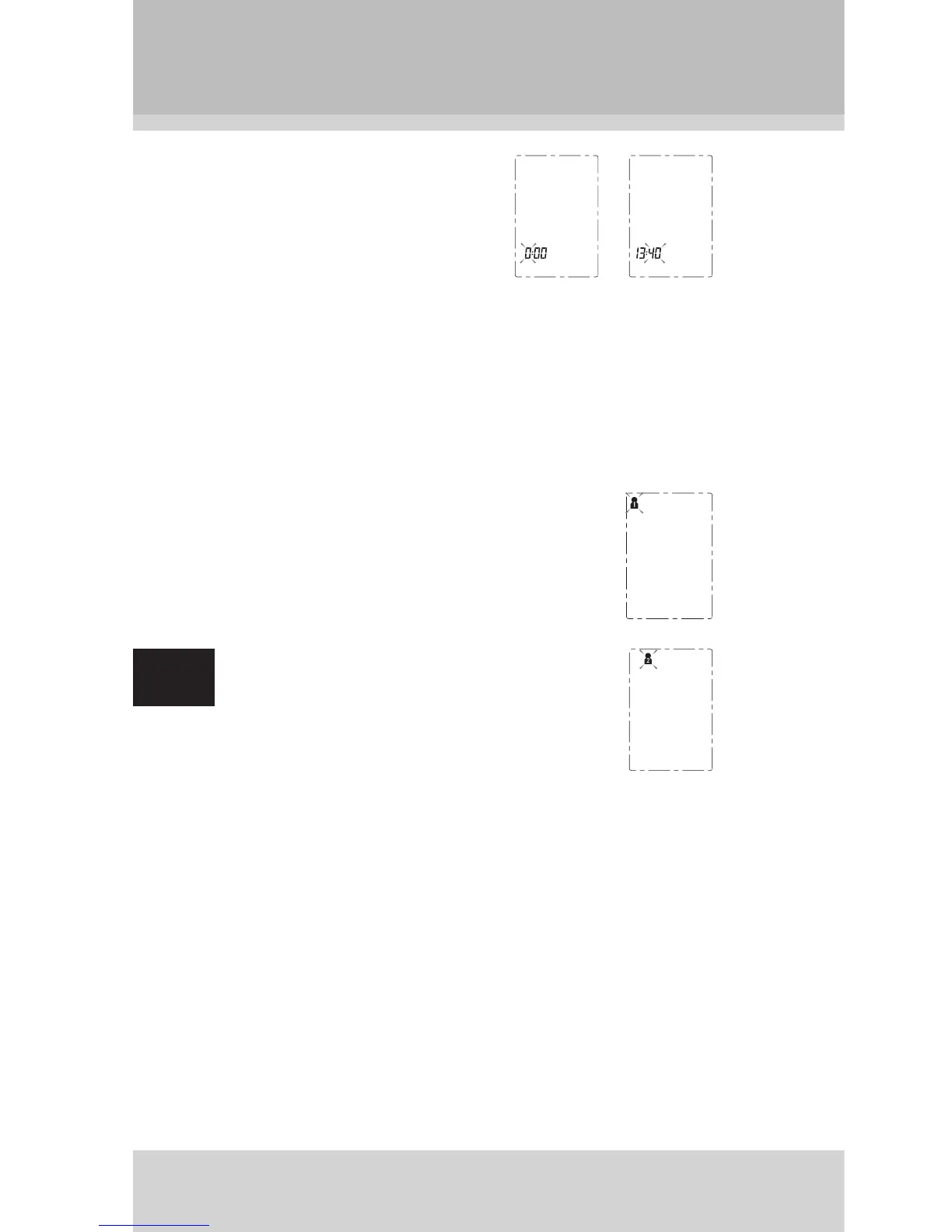
5. Repeat steps 2 and 3 to set
the [HOUR] and [MINUTE].
6. After the [MINUTE] is set, the LCD will display all the
settings you have done and then turn off.
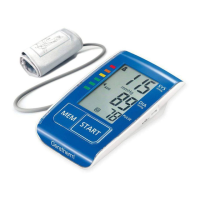
Select User
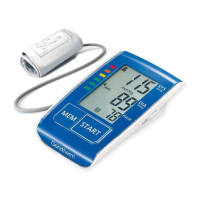
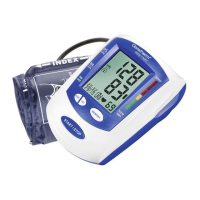
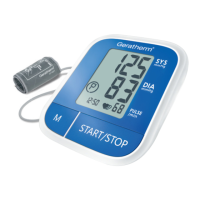
1. When the monitor is off, press and hold
“START” button to enter user setting mode.
The user ID will blink.
2. Then press “MEM” button to select the
user ID between User 1 and User 2.
3. After selecting the suitable user ID, press “START” but-
ton to confi rm. Then the LCD will turn off.


 To Next Page