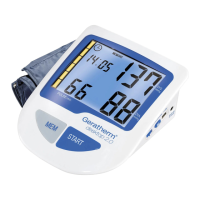
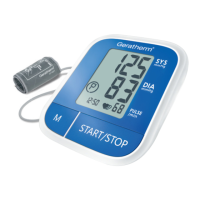
50
EN
How to operate the unit
Measuring blood pressure
1. When the monitor is off, press the “START” button to
turn on the monitor, the measurement will be com-
pleted automatically.
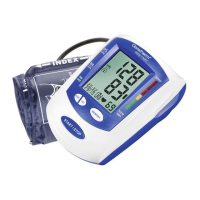
2. As soon as measurement is completed, the blood
pressure and pulse readings appear on the display.
Press the “START” button to switch the unit off. Oth-
erwise, the unit will switch off automatically after one
minute.
Both User 1 and User 2 have 60 memory slots.
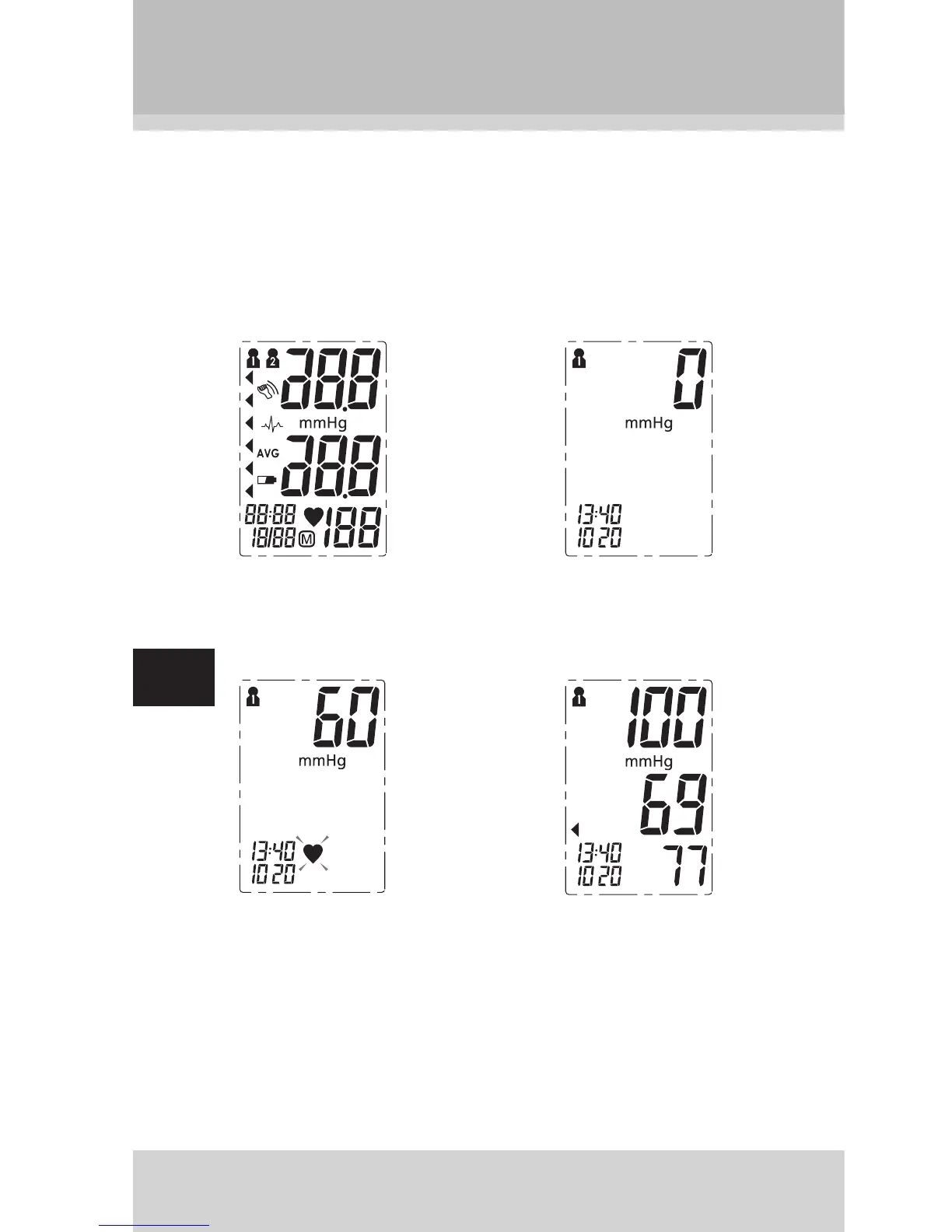
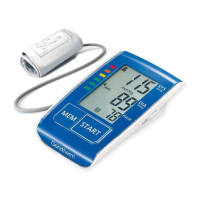
LCD display 0 – value is
displayed
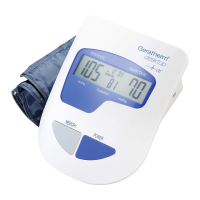
Infl ating and
measuring
Display and save
the measurement
results


 To Next Page