29
EN
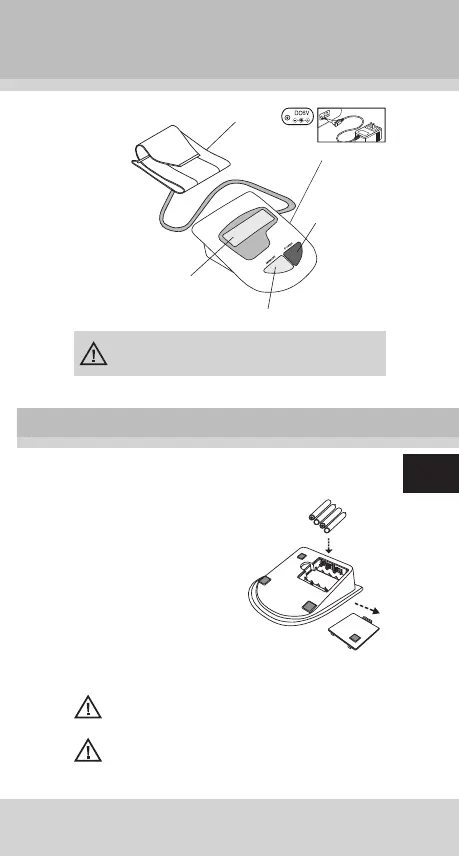
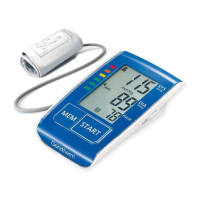
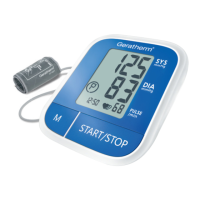
About the Unit
The cuff is designed to fi t arm sizes
between 22 and 32cm (8.7 to 12.6 inches.)
Cuff
On/Off
Button
LCD Display
Memory Button
Installing/Replacing Batteries
1. Insert the batteries into
the battery compartment
matching correct polarities
„+“ and „-“.
2. Replace all batteries if the
low battery indicator ap-
pears.
3. Remove the batteries if
the unit will not be usedfor
a long period of time.
4. REMOVE all of the BAT-
TERIES when utilizing the
optional AC adapter.
Note: It is recommended that the same type of alka-
line batteries be used to avoid incompatibility.
Keep batteries away from small children. Do not throw
batteries into fi res: they could explode.
Preparation for Use
access for power supply


 To Next Page