32
EN
How to Operate the Unit
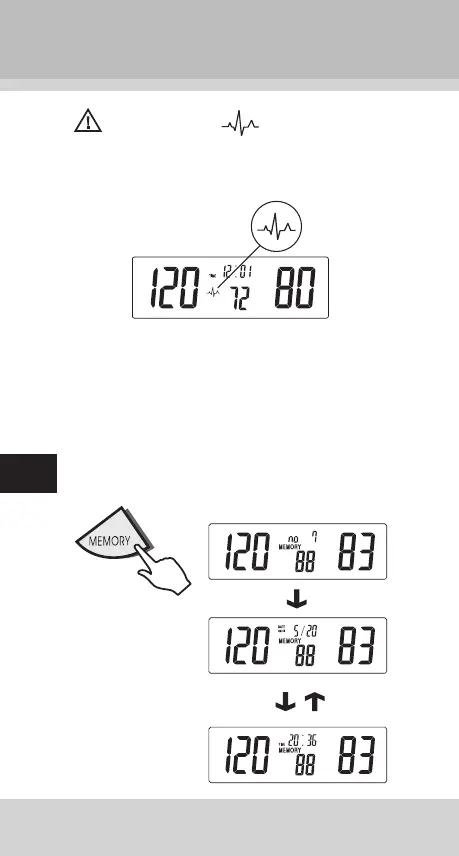
Note: If the symbol appears, it means the
unit has detected irregular pulse during measurement. If
the symbol appears regularly please consult a qualifi ed
physician for professional advice.
3. Recalling Memories
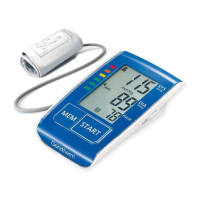
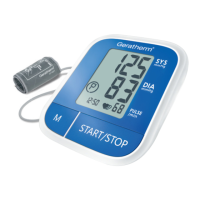
Press and release the MEMORY key to recall the last read-
ing (Example: the no.7 memory). The display will show the
memorized pressure and pulse value.
Press and release
the MEMORY key
again to recall the
no.6 memory.
Press and release
repeatedly to read
the no 5, 4, 3, 2, 1
memorized
pressures.


 To Next Page