C. Gerhardt GmbH & Co. KG
13
– When using other reservoirs:
Press the key „-“ (keep pressed), and switch on the instru-
ment
Please note that these key combinations are only used for the
initial filling of the steam generator. For subsequent operati-
ons the instrument is switched on via the mains switch!
– After switching the unit on the pump that fills the steam gene-
rator starts immediately, and the display shows the error mes-
sage „E3“ (lack of water in the steam generator)
– Press key „Run“ (only for initial filling)
The steam generator is filled with water up to a preset level,
which then causes the pump to switch off.
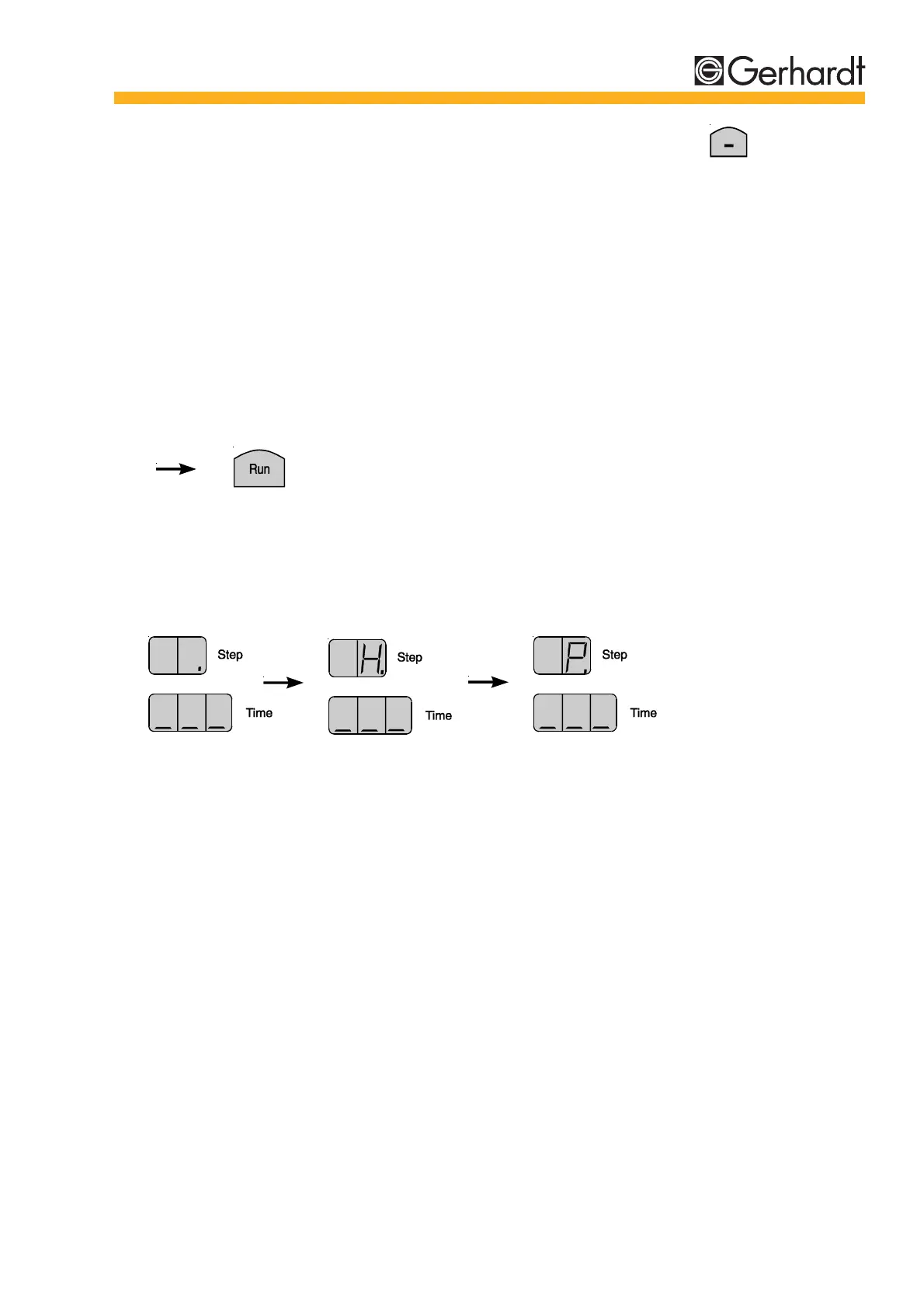
4. Monitoring the status notice on the display:
The Vapodest 30 is now ready for operation.
INSTALLATION



 To Next Page