• Startup:
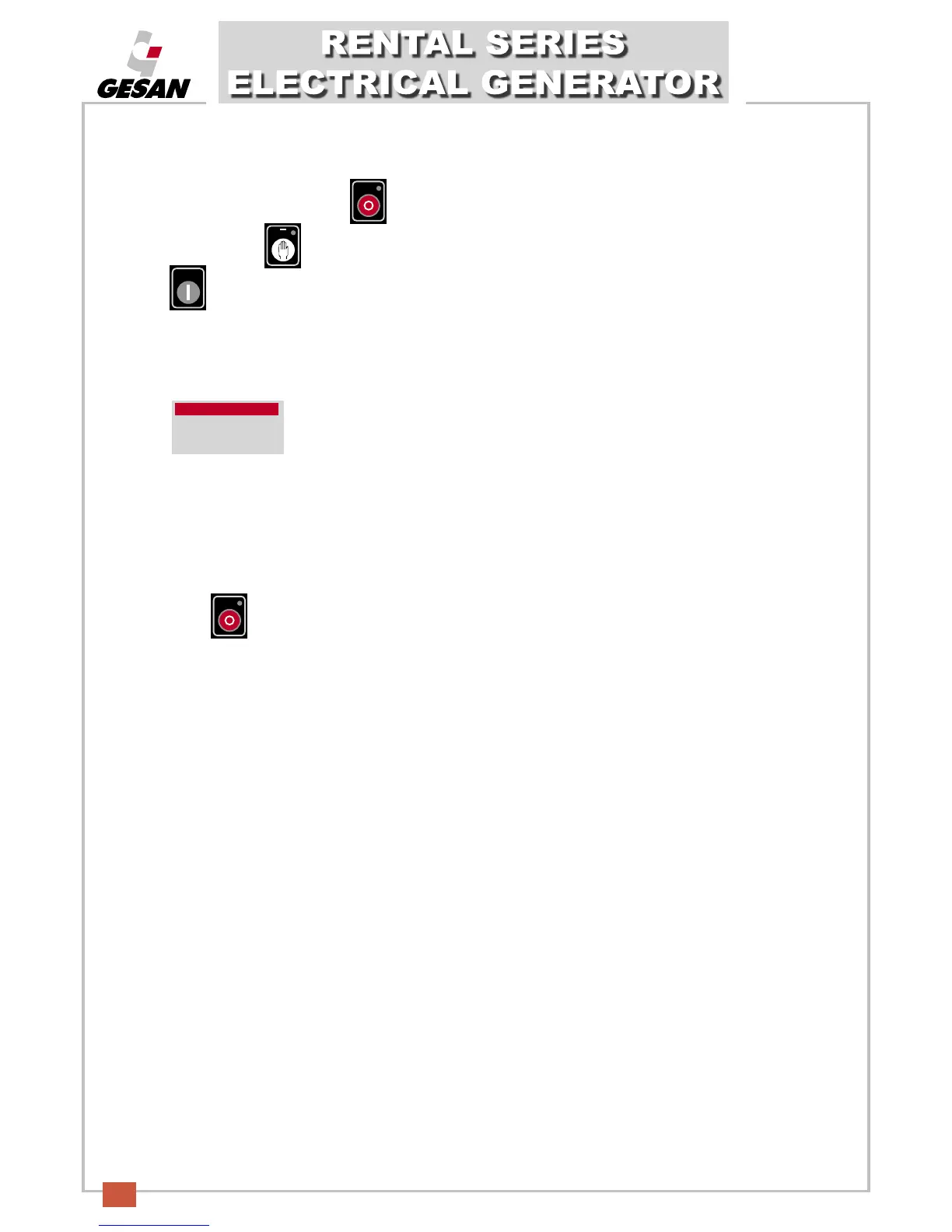
If the LCD screen is off, press (1) ) to connect the control module and the LCD screen will turn on.
Press the button (2) and the LED in the top part of the button will turn on, indicating that the unit is operating.
Press (5) to start up the unit.
Follow the instructions detailed in point 5 - STARTING AND STOPPING THE UNIT
.
T
here will be a maximum of 3 startup attempts, after which the information screen will display a startup
alarm:
• Stopping the unit:
Follow the instructions detailed in point 5 - STARTING AND STOPPING THE UNIT.
Press (1) to stop the unit. The unit will be stopped immediately.
Alarm
Shutdowm
Failed to start


 To Next Page