6
SMART SOS USER MANUAL
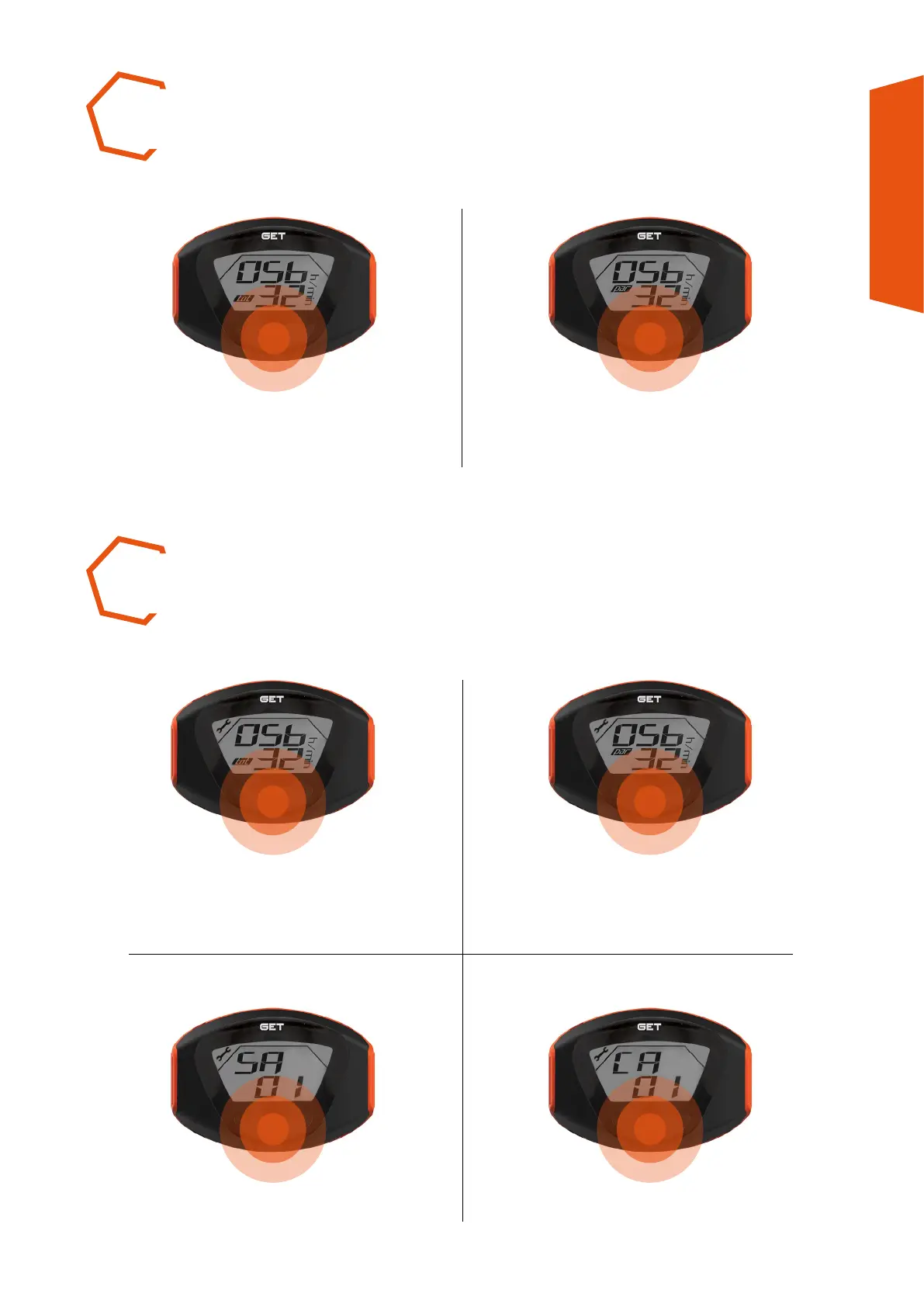
Or partial time (PAR icon active).Press the Multi-function
button to visualise total time
(TOT icon active).
Press the Multi-function button.
SA = Standard Alarms.
Scroll through the screens to visualise
the number of the active alarm.
CA = Custom Alarms.
VISUALISING TIMES
TOTAL AND PARTIAL
NOTIFICATION OF ALARMS
STANDARD AND CUSTOM (SERVICE ICON ACTIVE)



 To Next Page