21
The following table shows how you use the touchscreen to obtain equivalent mouse
functions.
Equivalent Mouse
Function
Tap: Touch the screen once.
Double-tap: Touch the screen twice rapidly.
Tap and hold: Tap and hold until a popup menu appears.
Drag: Hold the stylus (or finger) on the screen and drag across
the screen until reaching your destination.
Using Multi-touch Gestures
You can interact with your computer by placing two fingers on the screen. The
movement of the fingers across the screen creates “gestures,” which send commands
to the computer.
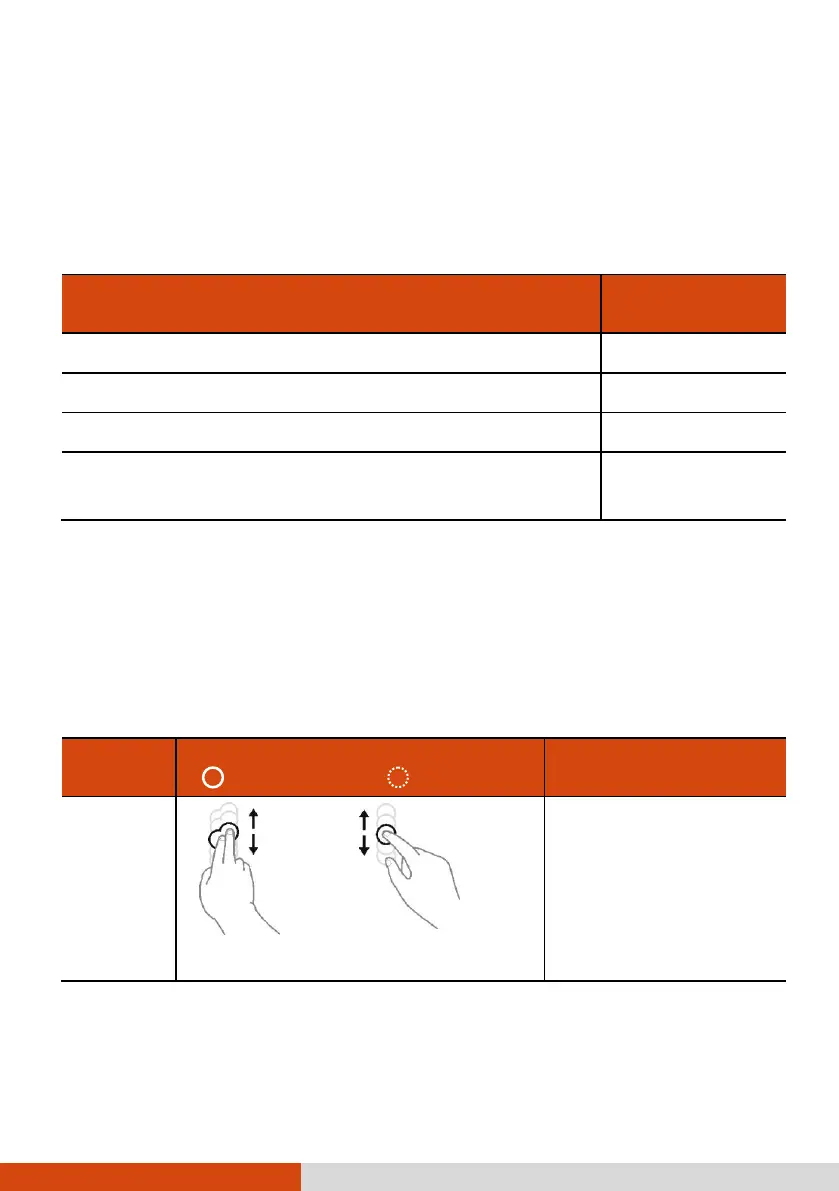
Here are the multi-touch gestures that you can use:
Actions
( = finger down; = finger up)
or
Drag 1 or 2 fingers up or down.
Use panning to see
another part of a page that
has scroll bars.



 To Next Page