17
External Connections
Using a MicroSD Card
Inserting a MicroSD Card
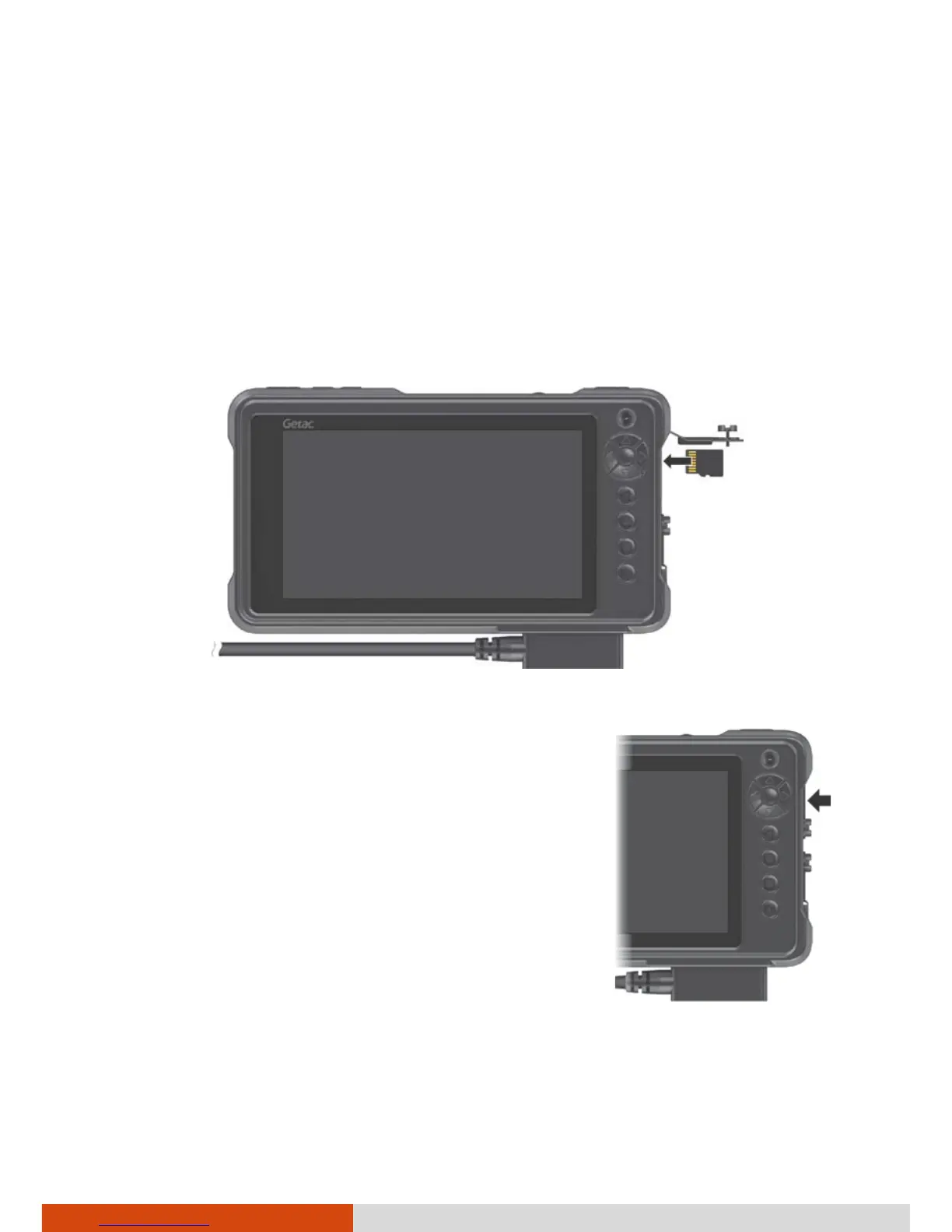
1. Open the microSD card slot cover by loosening the slotted screw.
2. Insert the card into the slot, with the golden contacts pointing to the slot
and facing front.
3. Close the cover and tighten the screw.
CAUTION: When closing the cover, you must firmly
press all over the cover to ensure its sealing
capability.



 To Next Page