2
Ref Component Description
OK button Confirms your selection or input.
Arrow buttons
Moves up, down, left and right within the screen or
menu.
Back button Goes back to the previous screen.
Home button Opens the Home screen.
Recent button
Opens a screen containing thumbnails of applications
you’ve used recently. Touch a thumbnail to open that
application.
Fn quick
button
Opens the Camera application (default setting).
Can be assigned to a different function through
Settings.
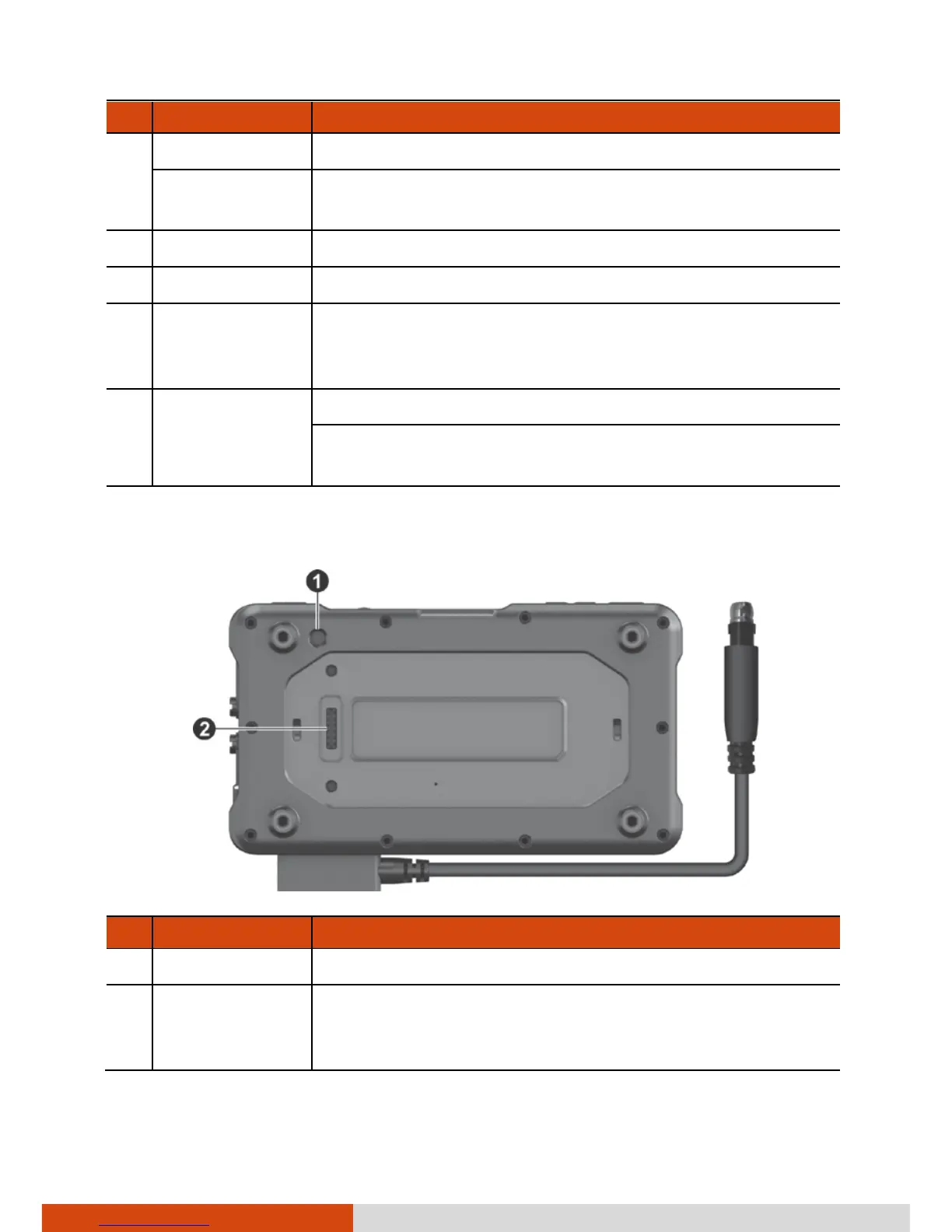
Back Components
Ref Component Description
Camera lens Takes still pictures or records video clips.
Expansion
connector
(Pogo pin)
Connects to a proprietary snap-on module.



 To Next Page